Brightcove
Video Management
Unifying two product systems and streamlining processes for managing and curating video assets
Brightcove
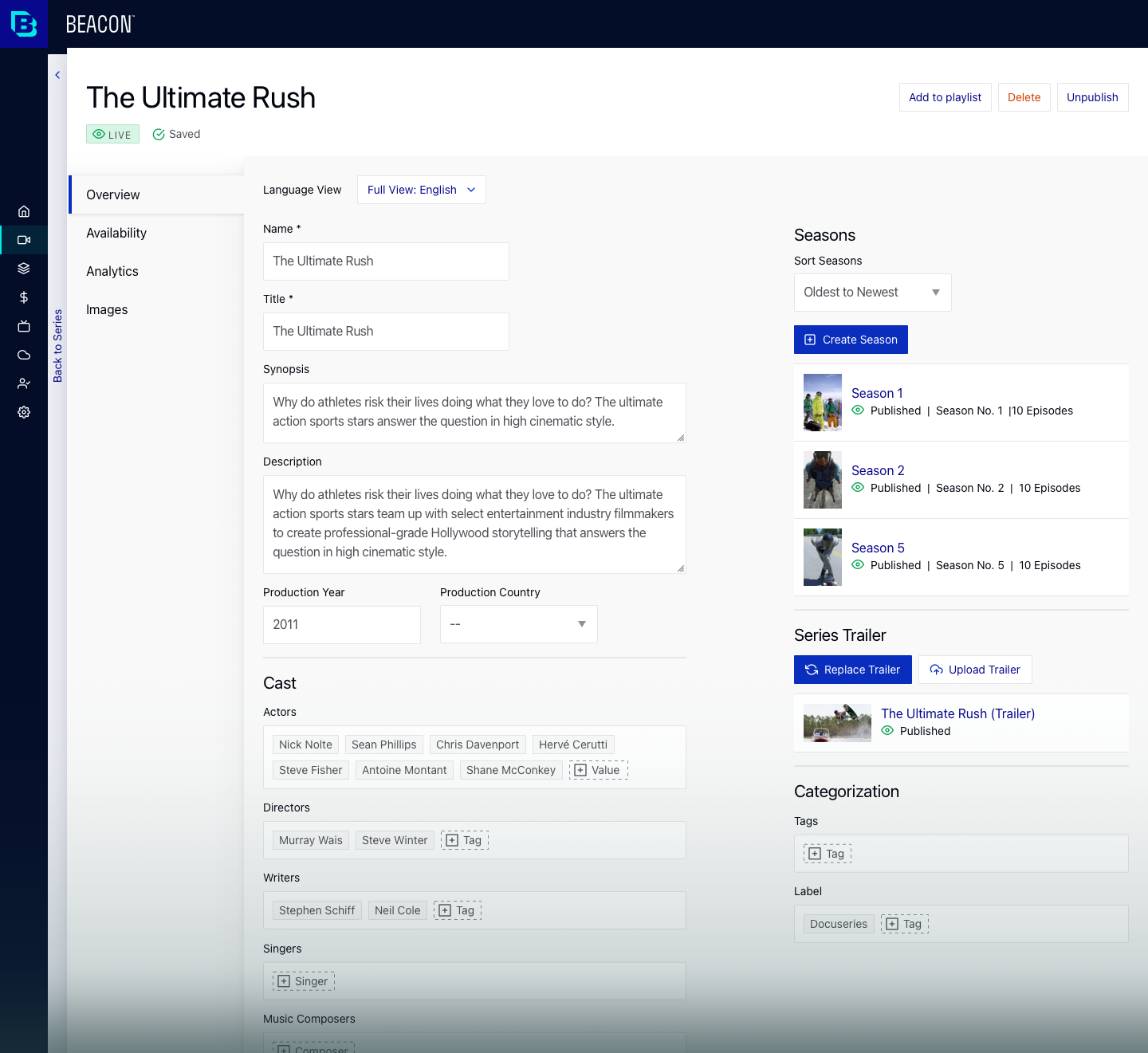
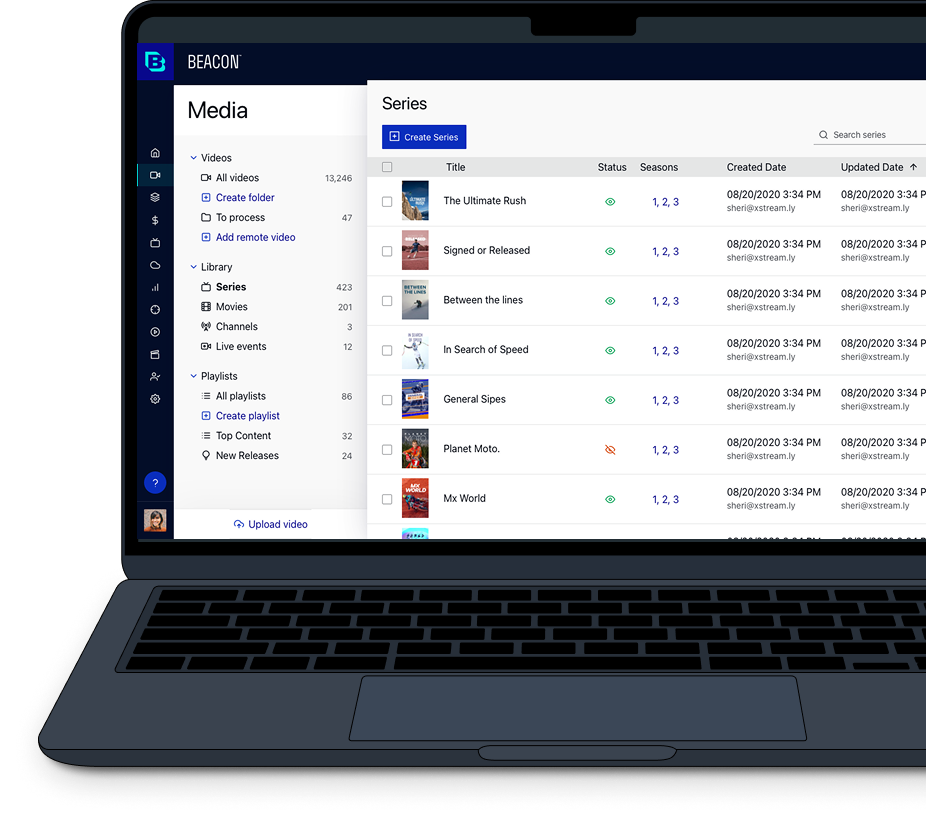
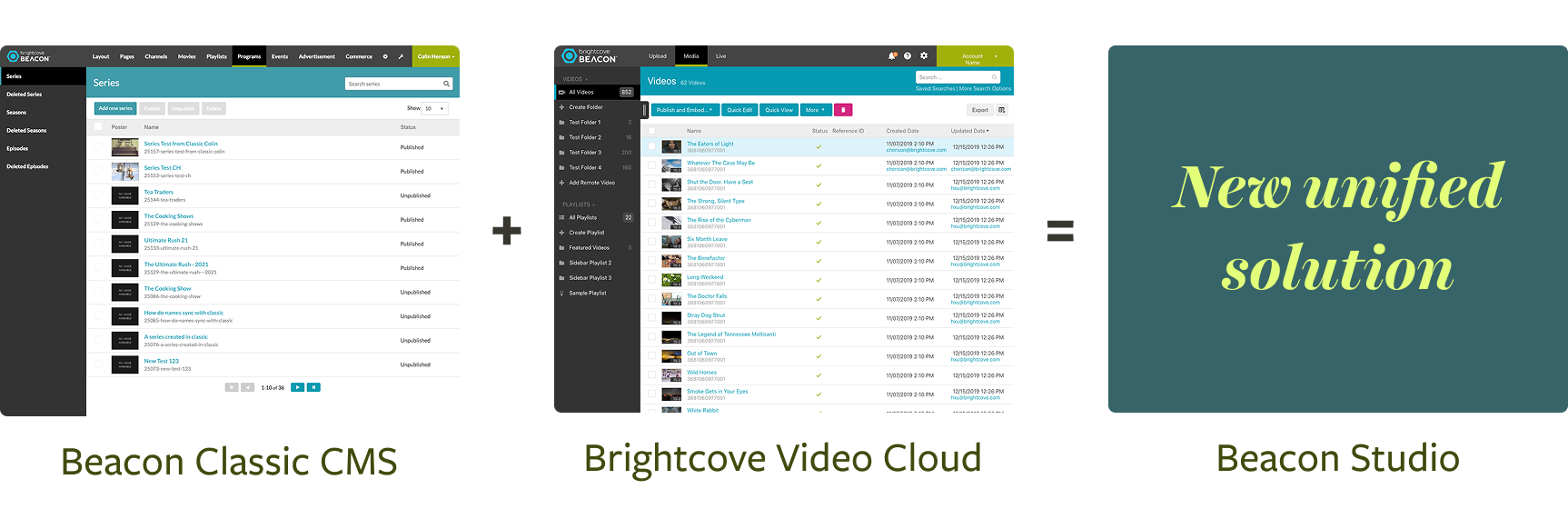
When Beacon launched, customers were required to use two separate systems to manage their video and app experiences. Brightcove Video Cloud was the management system for video, and Beacon Classic CMS was the system for managing hierarchical content, such as series, Seasons, Episodes, and the app experience. The primary goal was to consolidate these two systems into a single Beacon Studio, which streamlined the process and significantly enhanced the overall user experience.
When Beacon launched, customers were required to use two systems to manage their video and the app experience. Brightcove Video Cloud was the management system for video, and Beacon Classic CMS was the system for managing hierarchical content like Series, Seasons, Episodes, and the app experience. The main goal was to consolidate these two systems into the single Beacon Studio, which streamlined the process and significantly improved the overall user experience.
Brightcove needed to consolidate its codebase, reduce maintenance overhead, and lay a foundation that would scale with new product offerings. In addition, a new brand identity was about to be launched, and the new solution had to incorporate the updated look and feel.
Brightcove
Senior UX Designer
Lead Designer for the Media Module
End-to-End UX Research & Design
Product Design, Media Module, Beacon
Media Module Pod (PM & Engineers), Beacon PMs, Engineering Leadership, Product Leadership, Customers (Design Partners), UX Research Team
Q1 2020 - Q1 2021
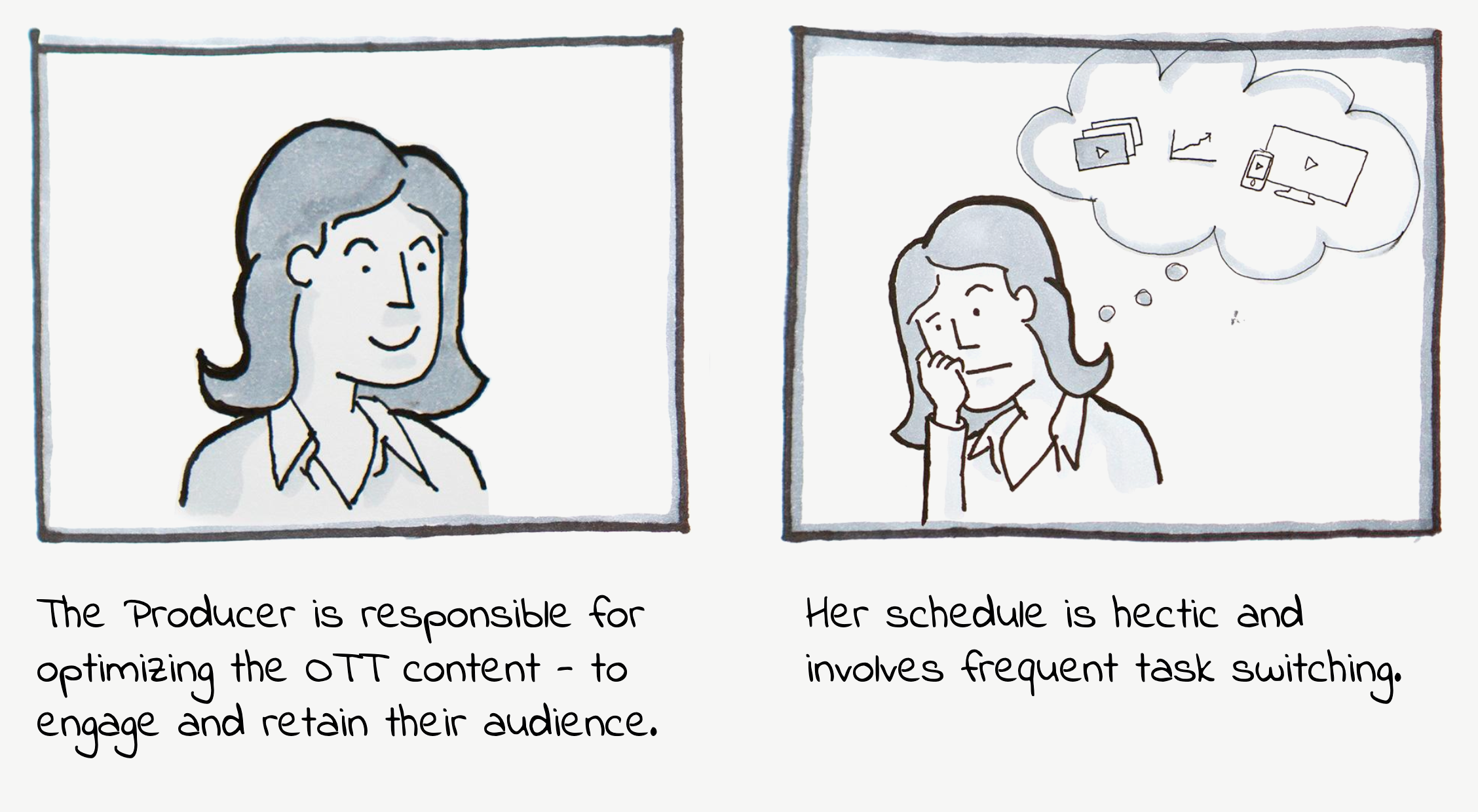
I learned about the primary user of our Beacon product, the Producer, through participation in on-site research, leading design workshops, and moderating many customer interviews.

I synthesized these needs, ideas, and technical restrictions into a design plan and presented our vision as storyboards, which I validated with customers. The storyboard presentations aligned the team and provided clear direction.
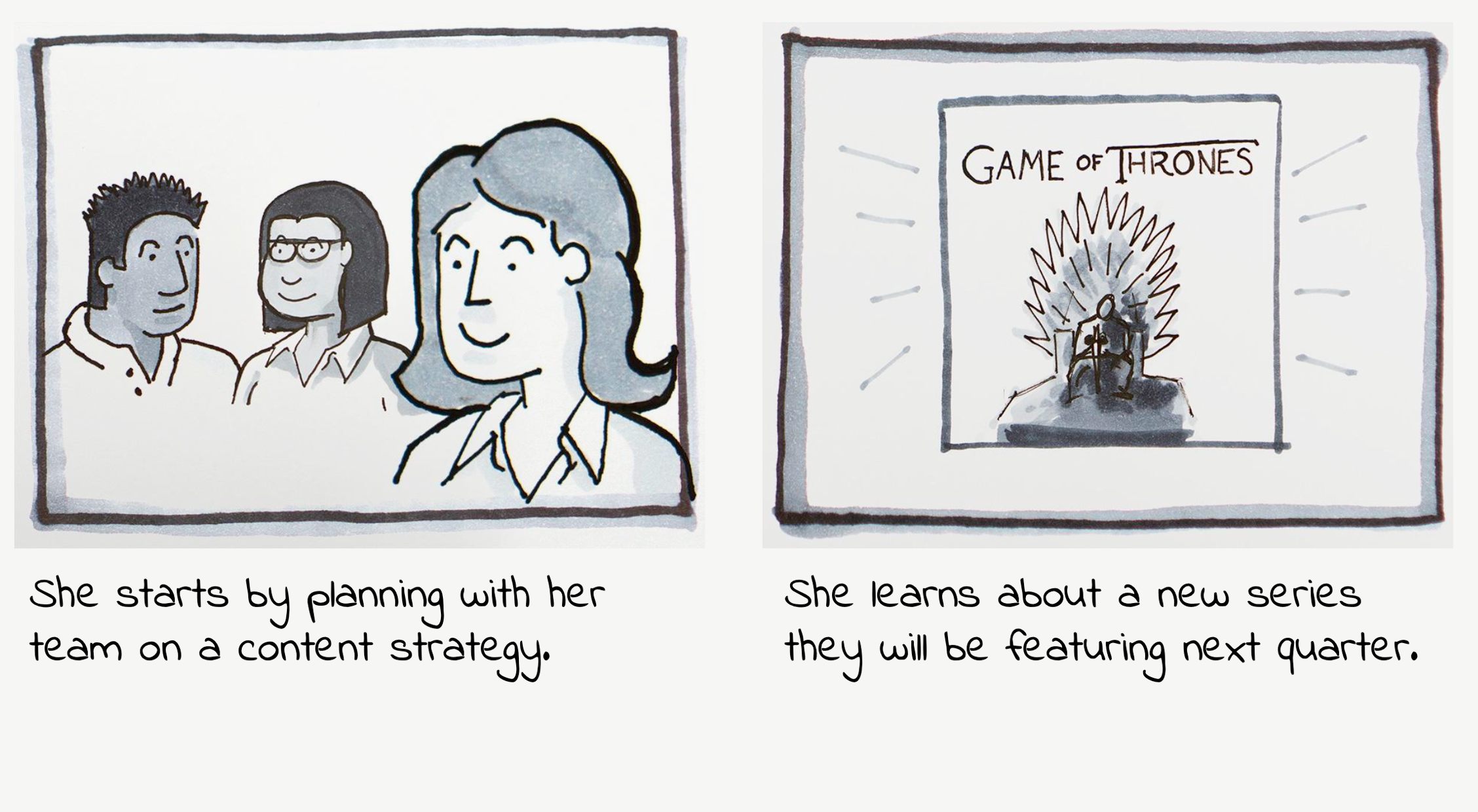
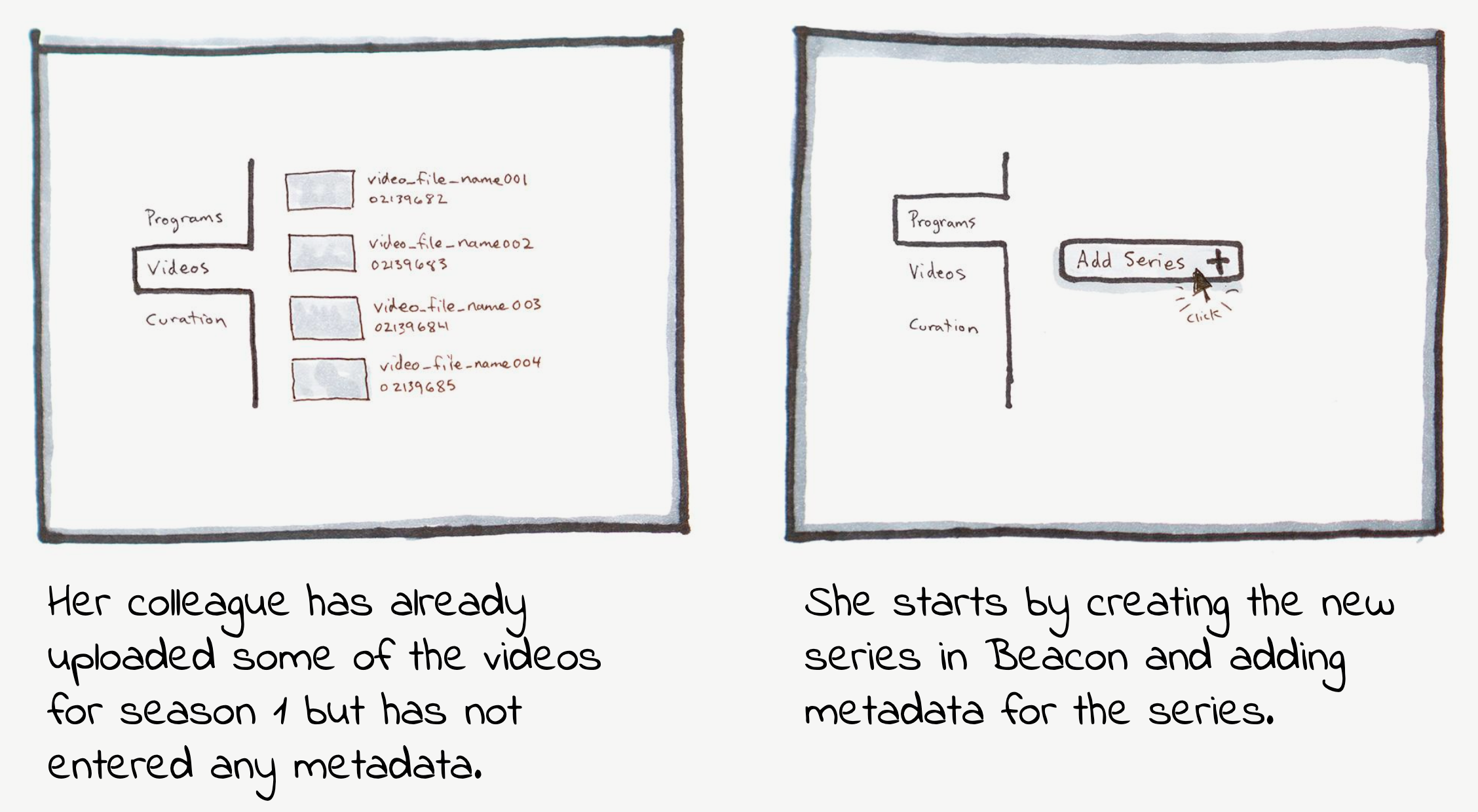
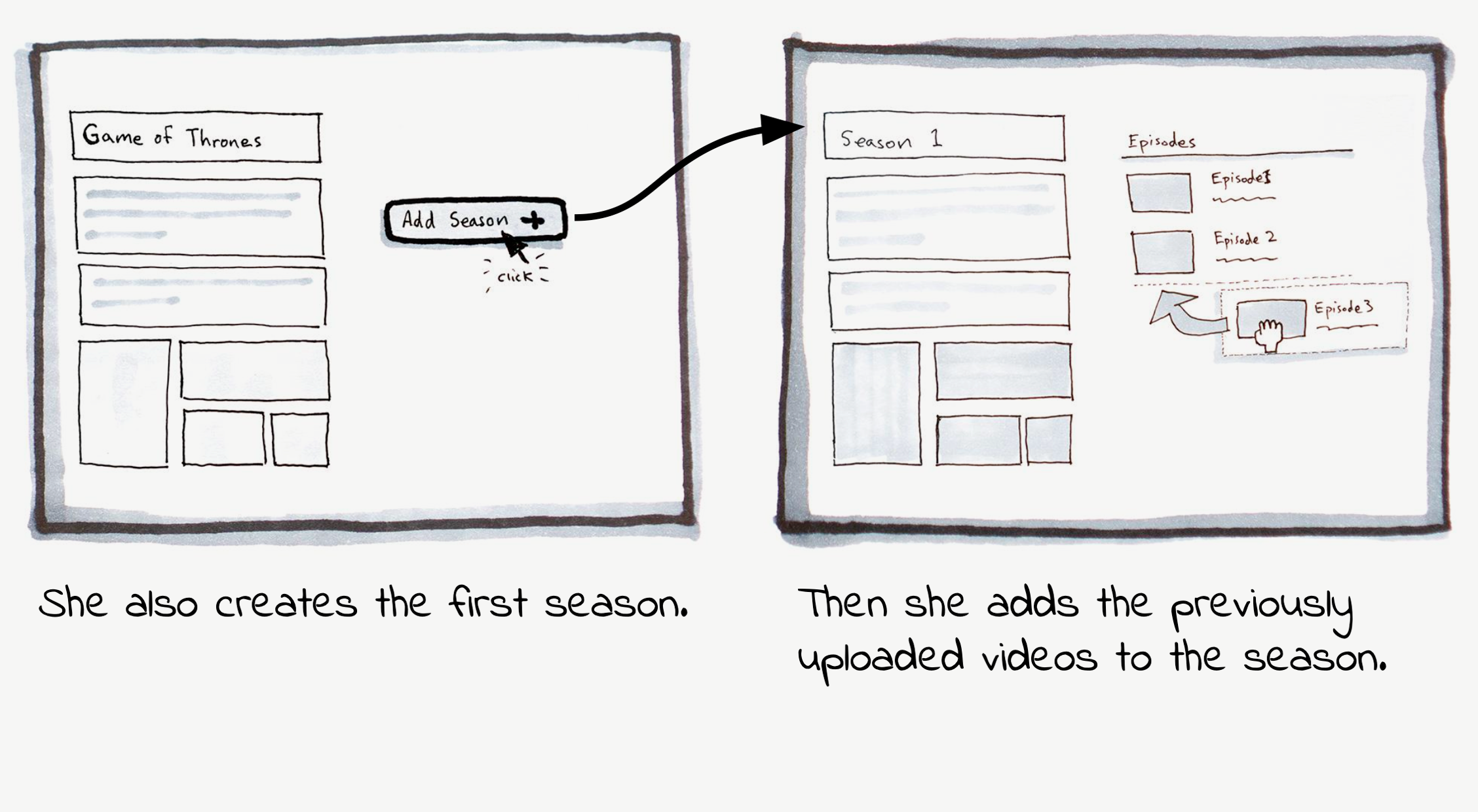
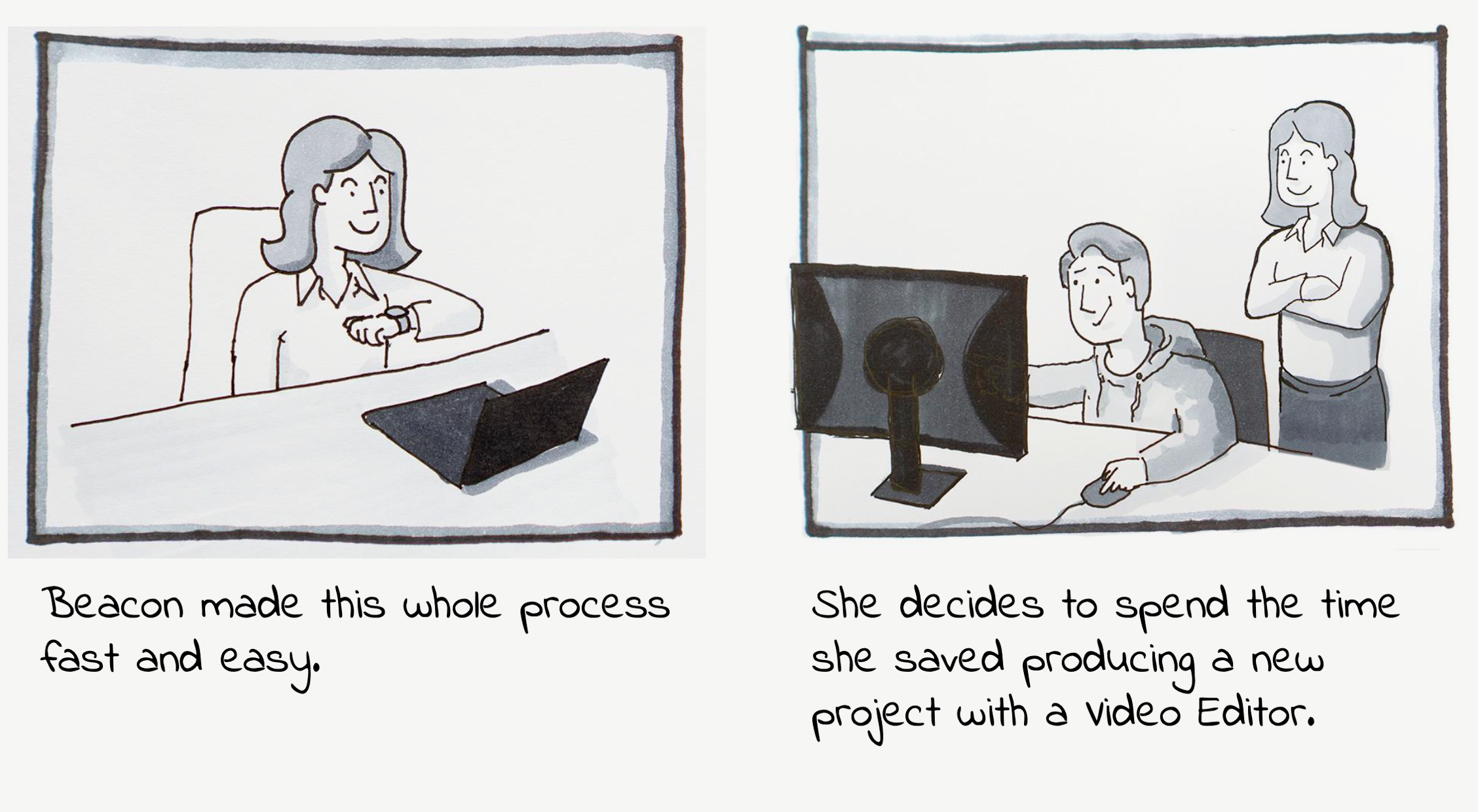
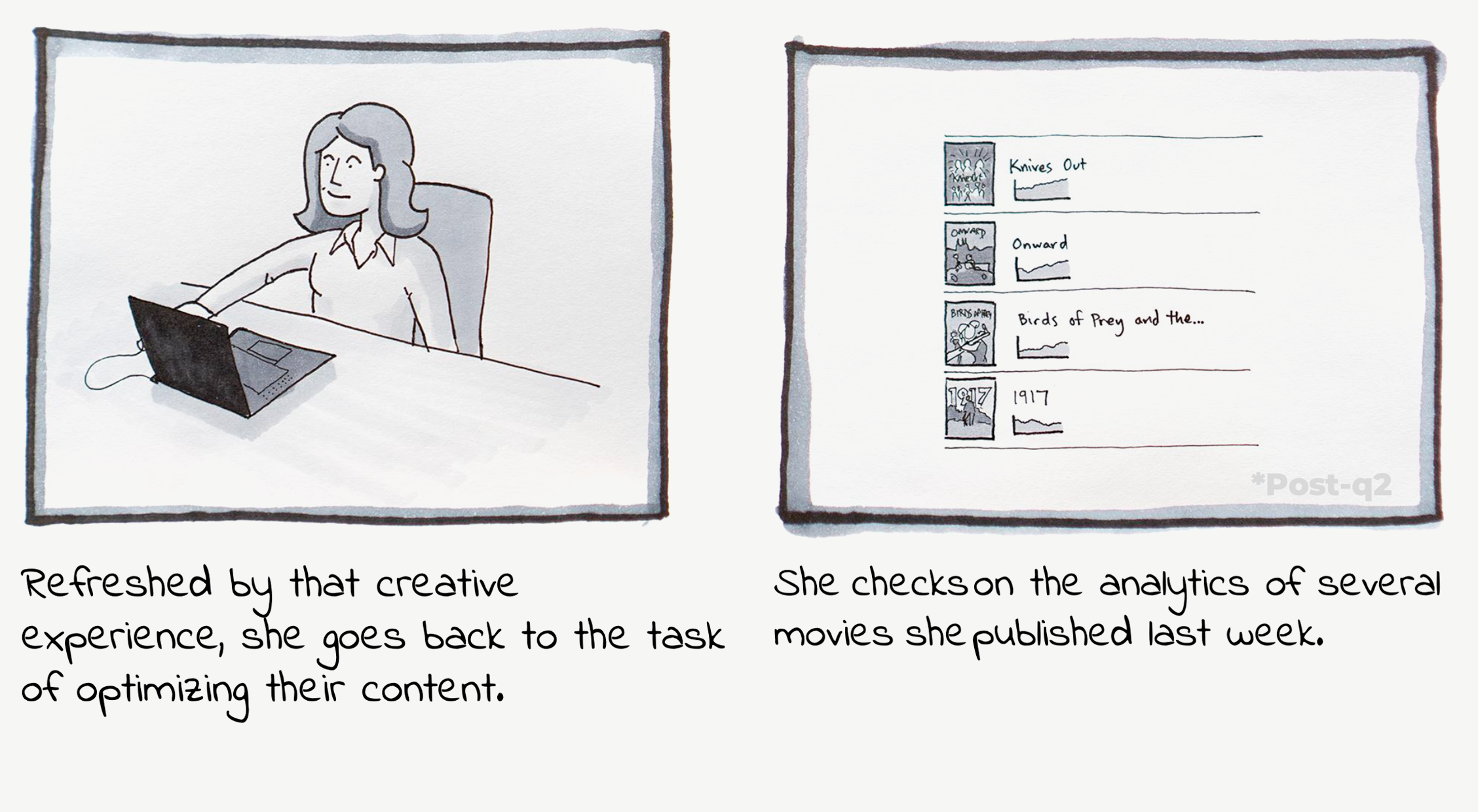
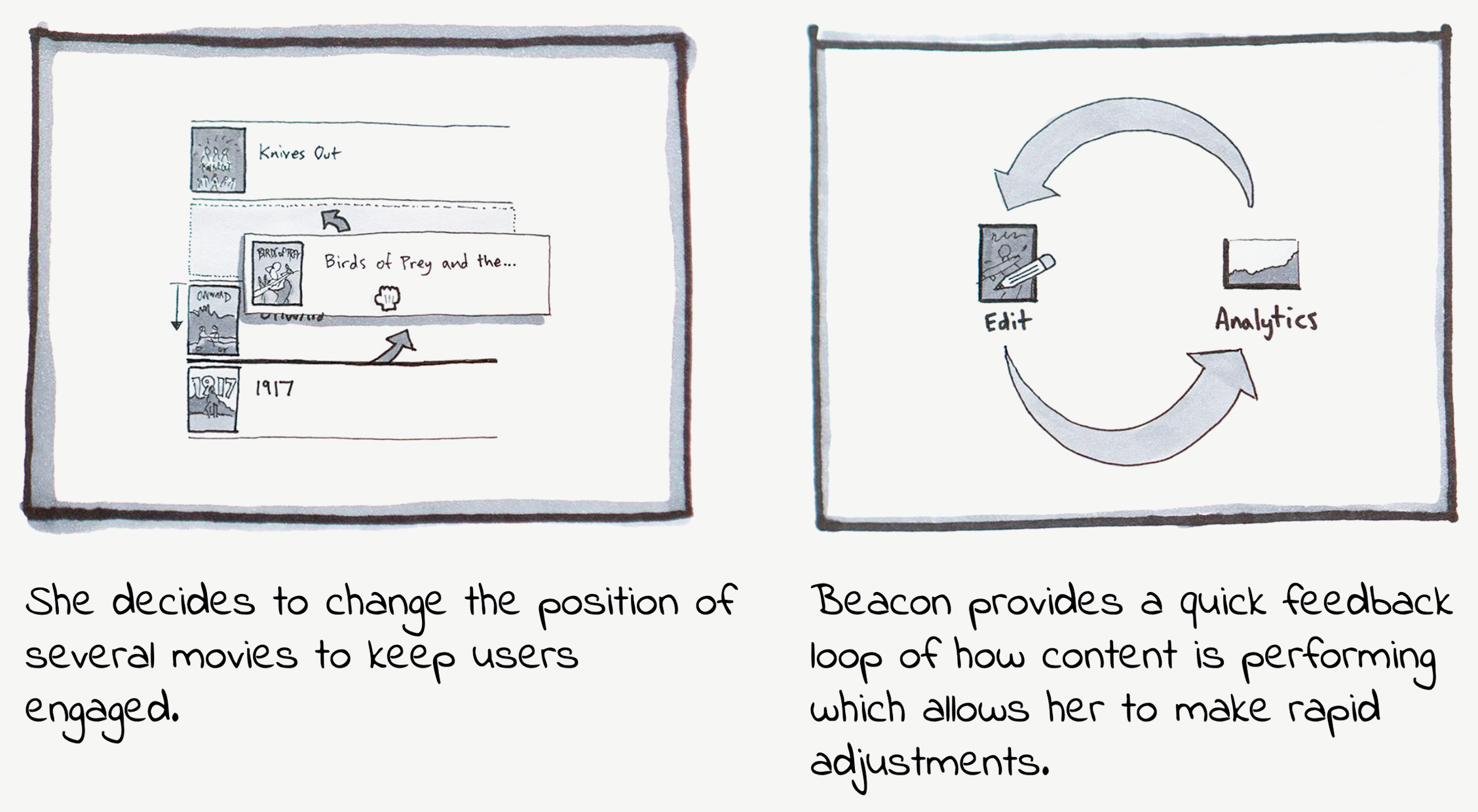
The engineers and the PMs on the team were extremely busy maintaining the existing Beacon solution and trying to plan the new Beacon Studio. Imagine trying to rebuild a plane that's already in flight. I needed clarity about the latest requirements for the media module. The engineers and PMs needed help kicking off the effort so that they could plan the work required to consolidate these two systems.
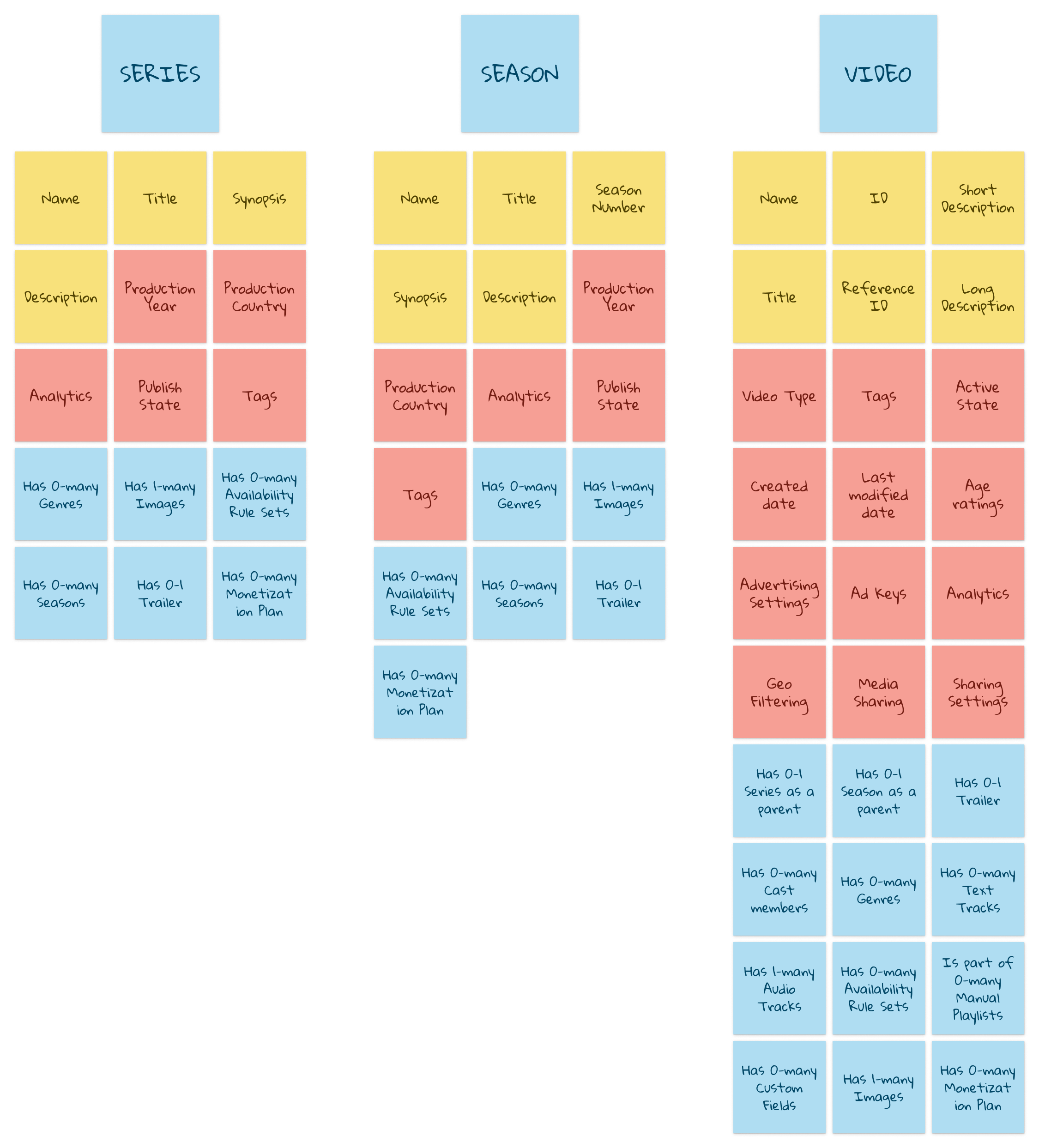
I took the initiative and set up a recurring meeting with the lead PMs and engineers. I facilitated sessions where we achieved alignment on the system's objects, identified what we needed to support in the short term, and determined what we needed in the long term – all informed by the customer interviews and usability tests I conducted.
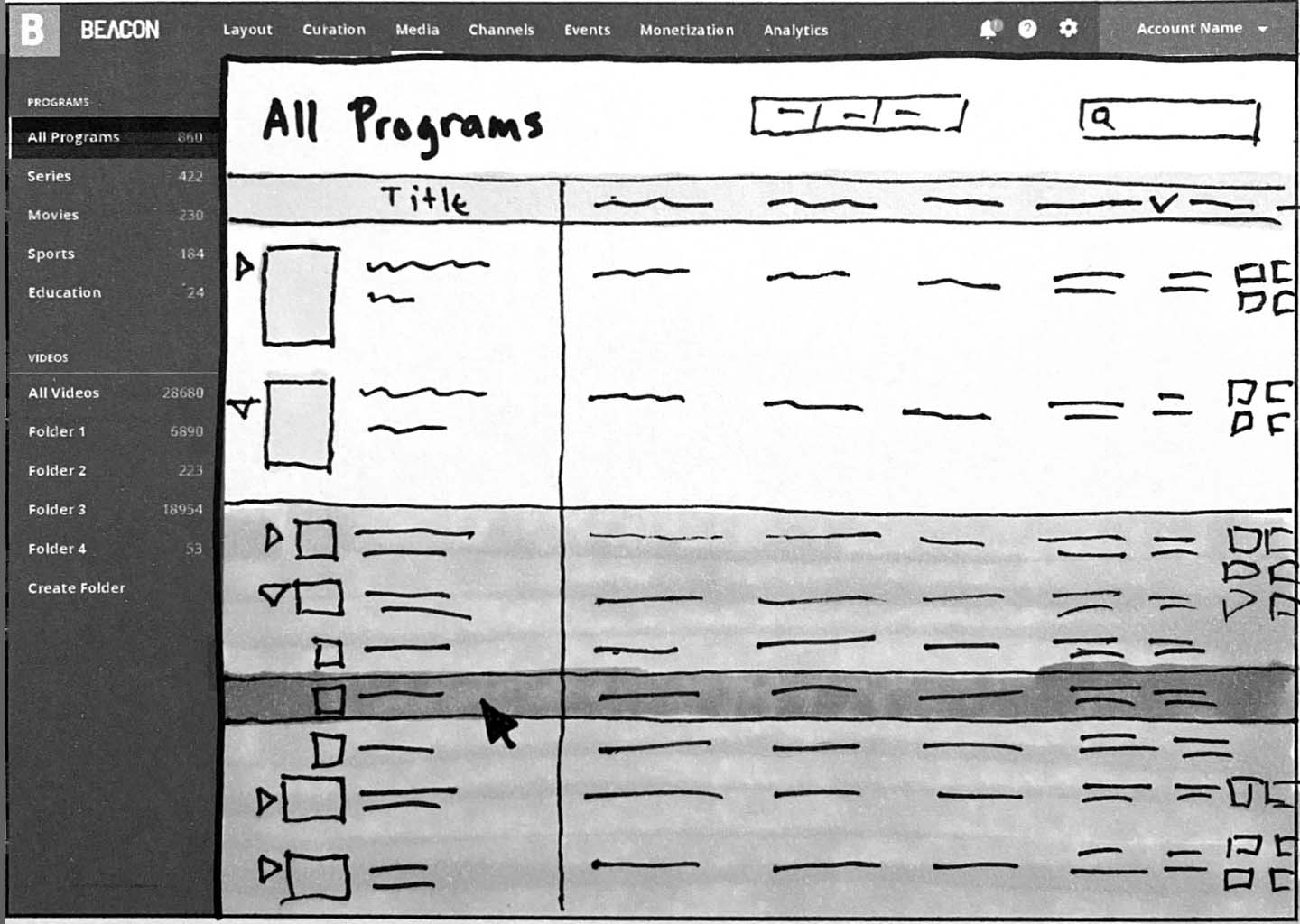
In the early stages of design, I focused on low-fidelity iterations to quickly explore different layout options and gather feedback.
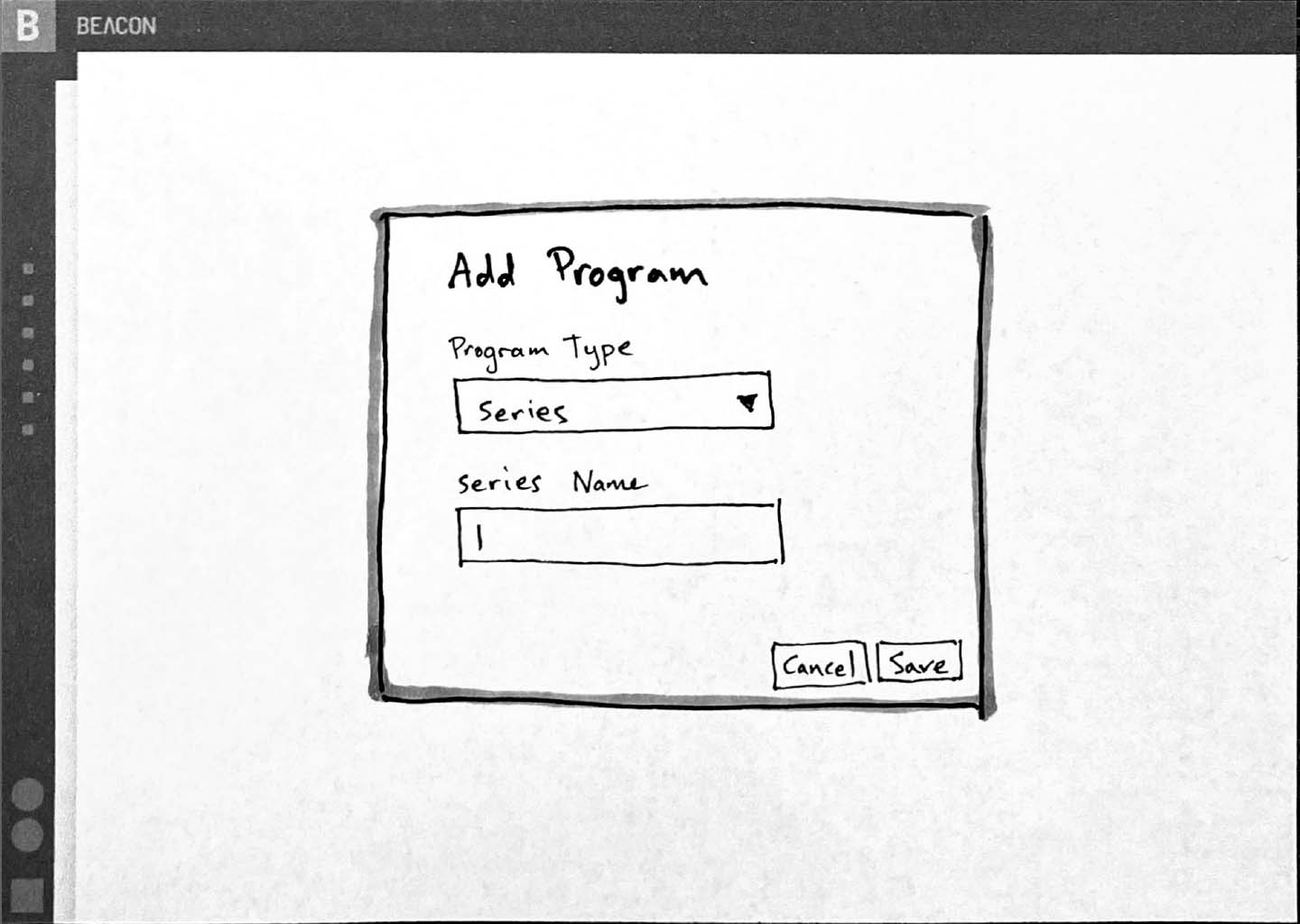
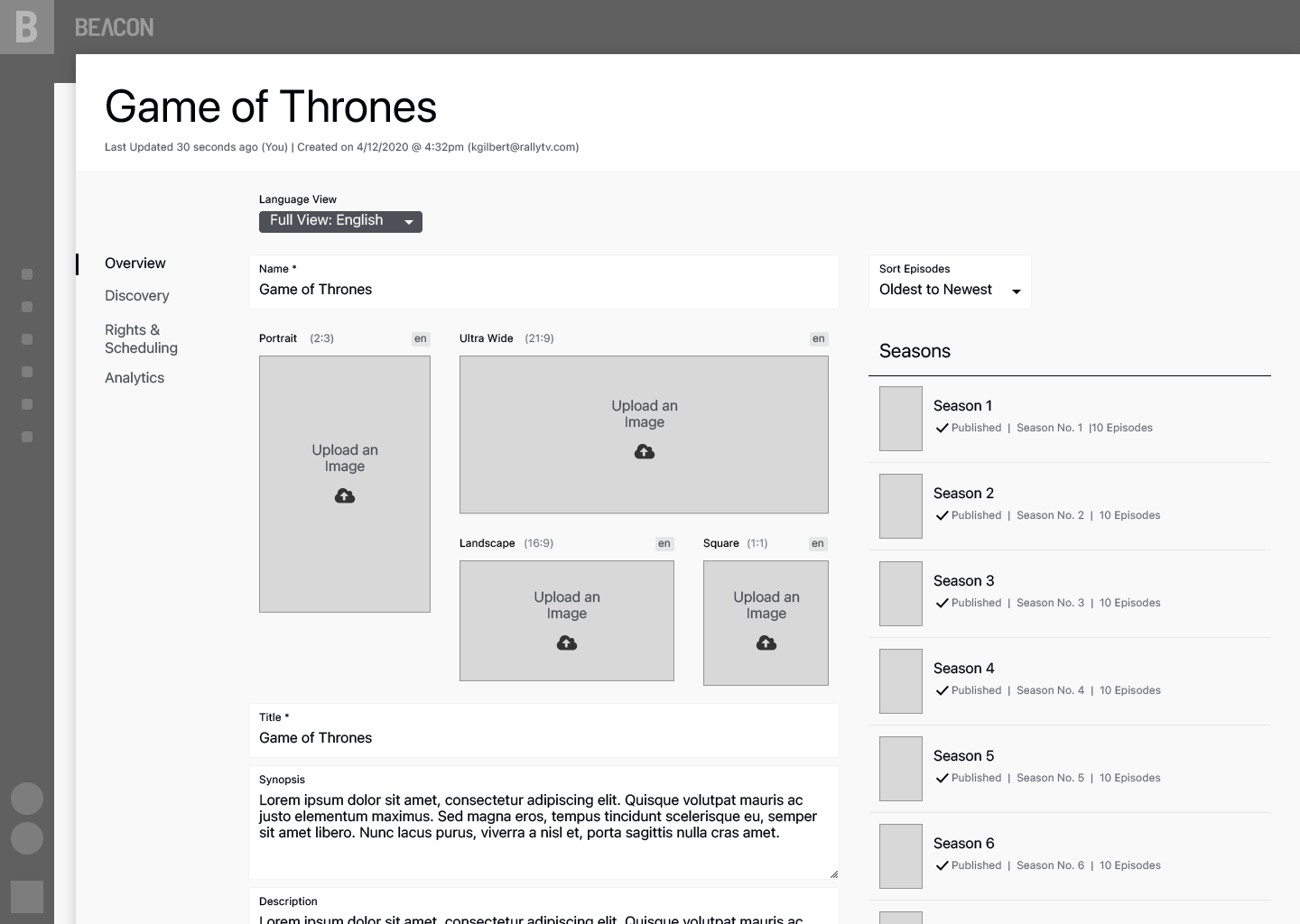
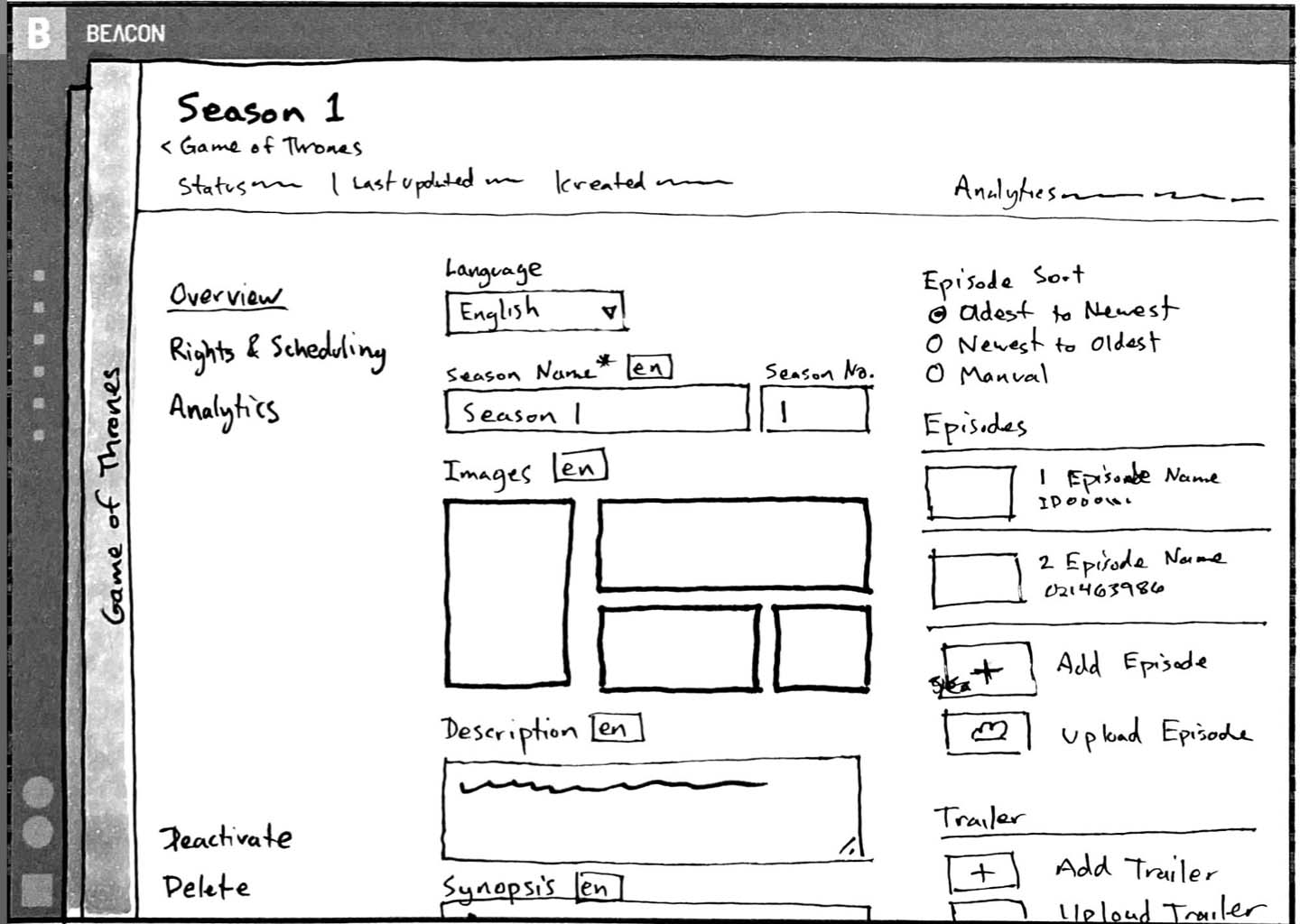
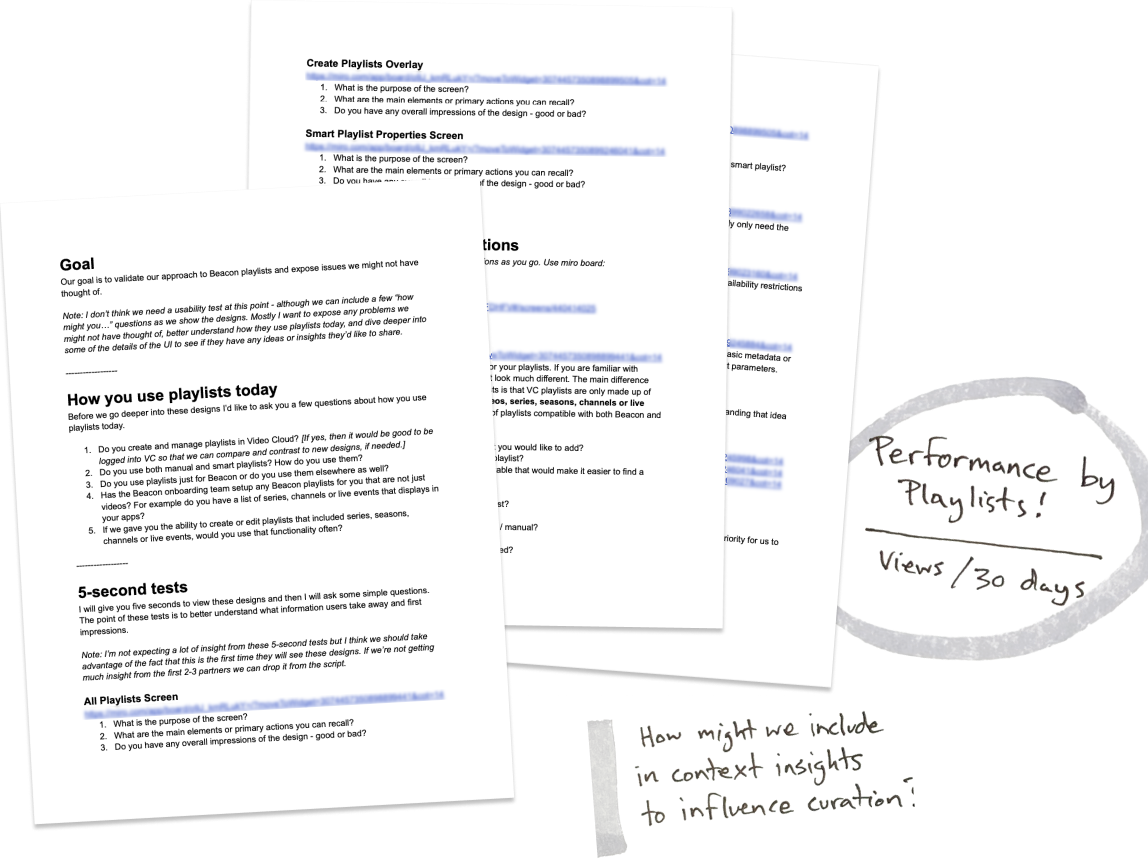
We had a user-centered process at Brightcove that allowed me to meet with Beacon and Media industry customers every two weeks. As the design lead for the Beacon Studio media module, I created moderator guides, conducted customer interviews, and ran usability tests throughout the project to ensure that we met customer needs. I uncovered user insights, incorporated that feedback into our designs, and worked with the PM to adjust the roadmap.
Yeah, I guess the area on what a program is… is it a program series? I guess traditionally I'm used to thinking of a program as an episode or title.
Customer from Brightcove's Design Partner Program
In this example, I learned that while customers consistently understood most of the vocabulary, the term Program varied from organization to organization. Shortly after, I decided to avoid the term altogether.
I designed the essential screens for the experience and managed a team of designers to create additional screens and micro-interactions. At the same time, I identified opportunities to enhance our design system with new components that I designed for the project, and I created prototypes to test the flows.
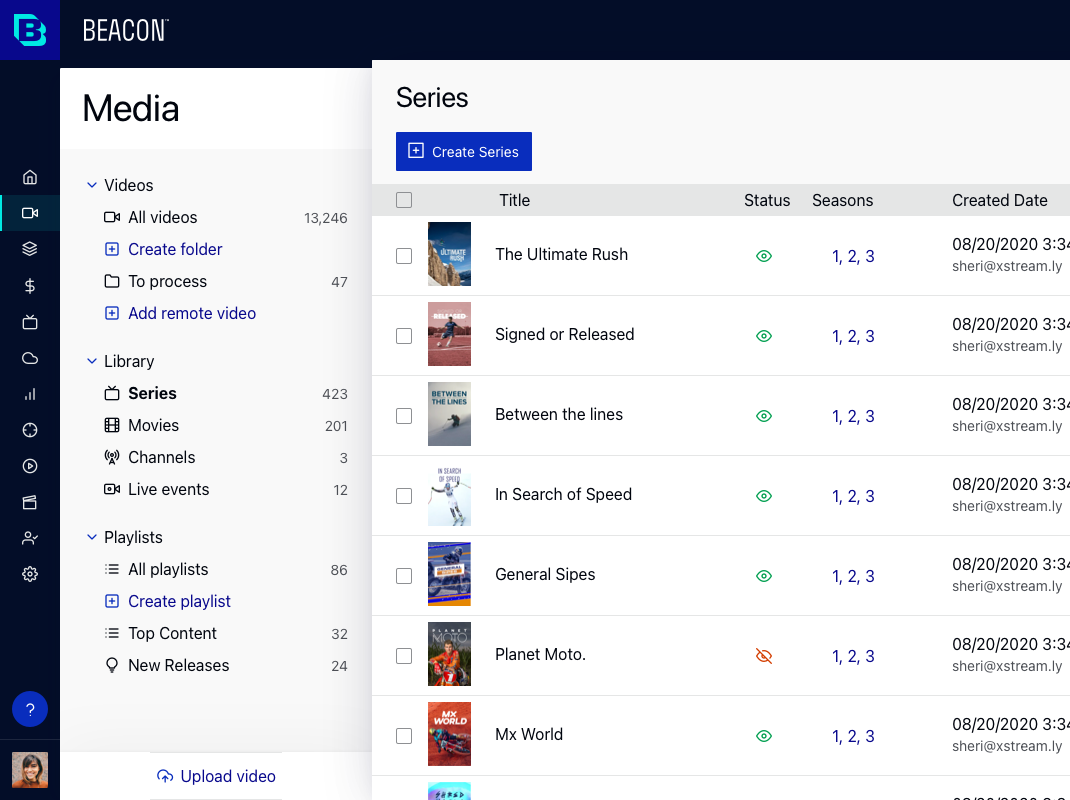
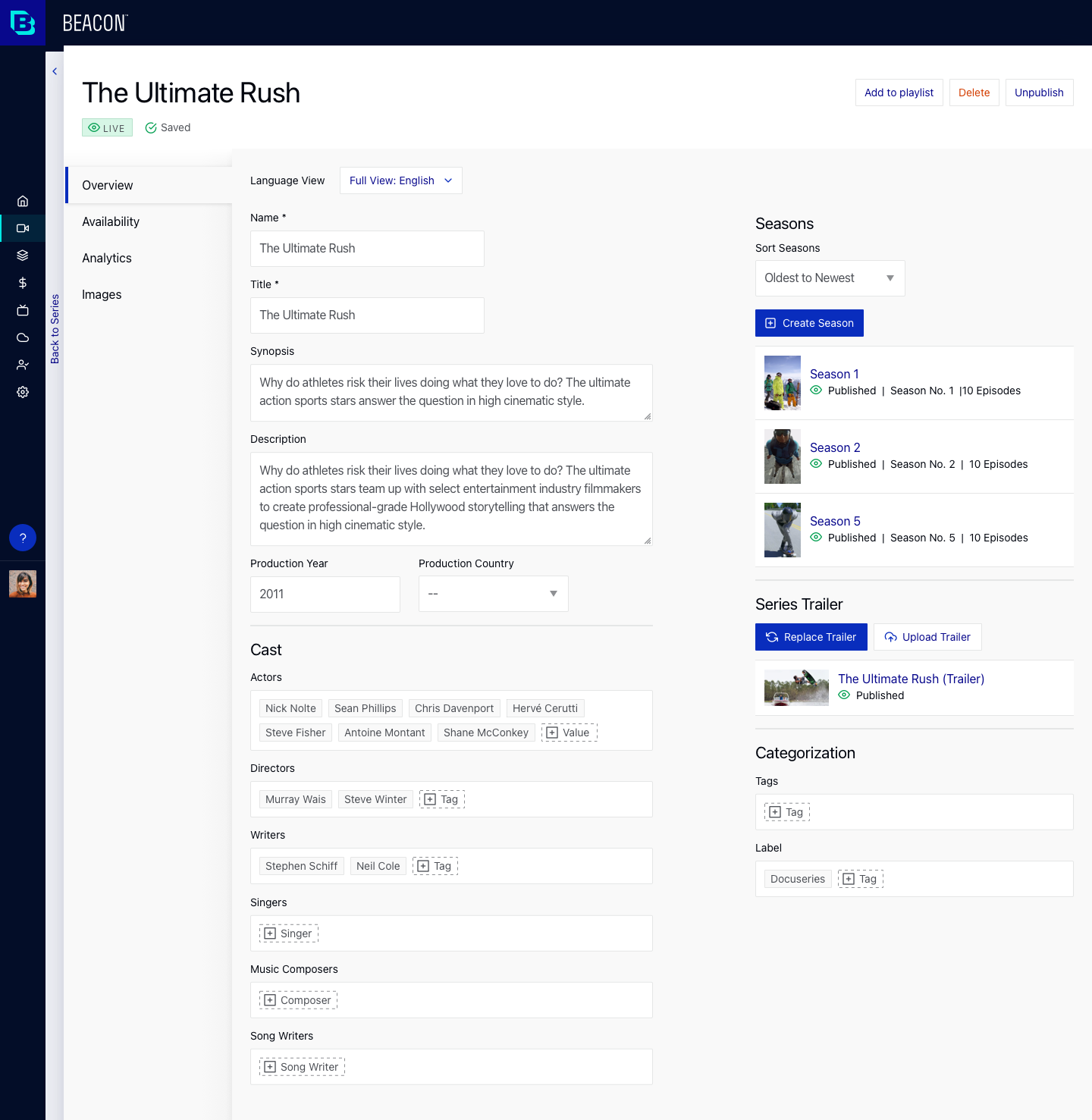
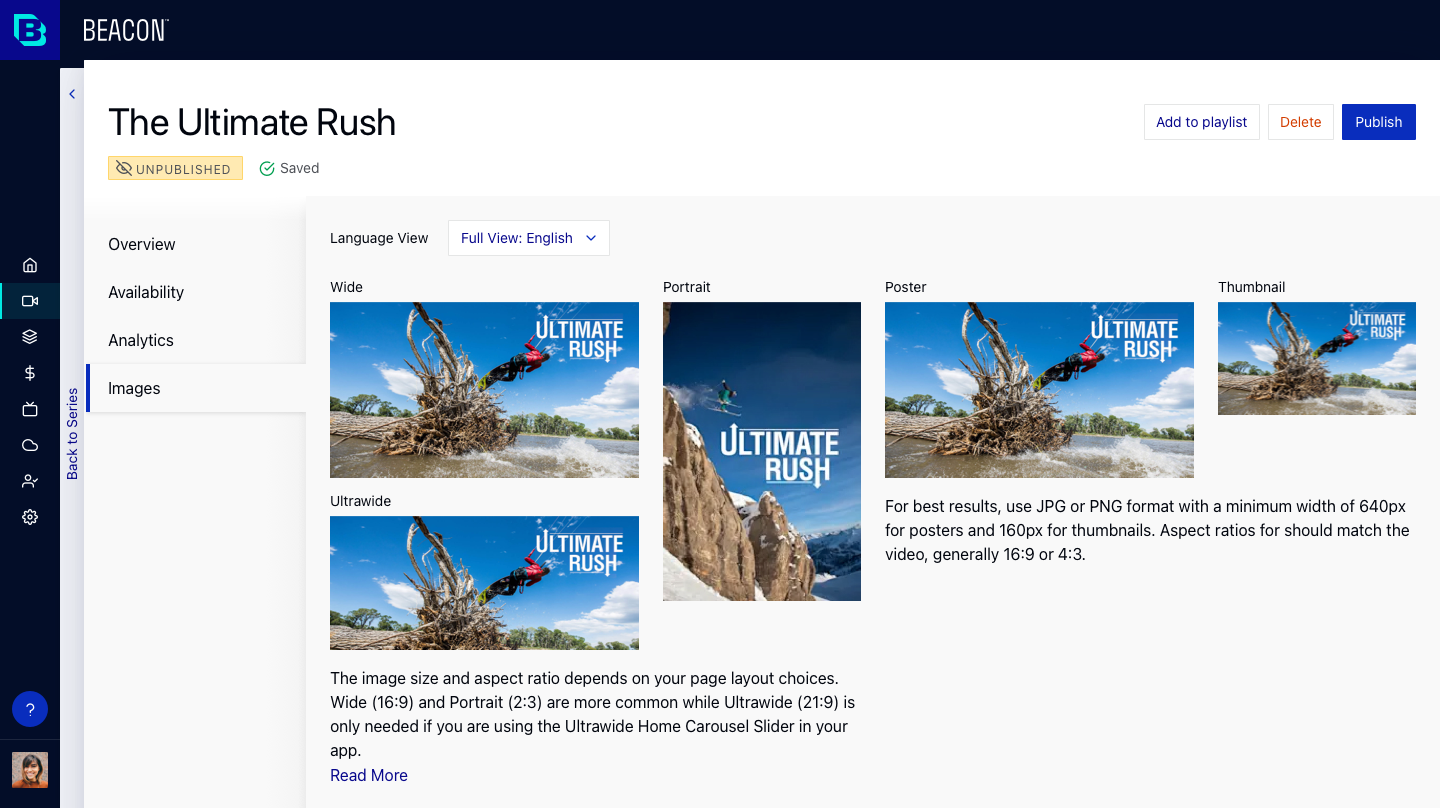
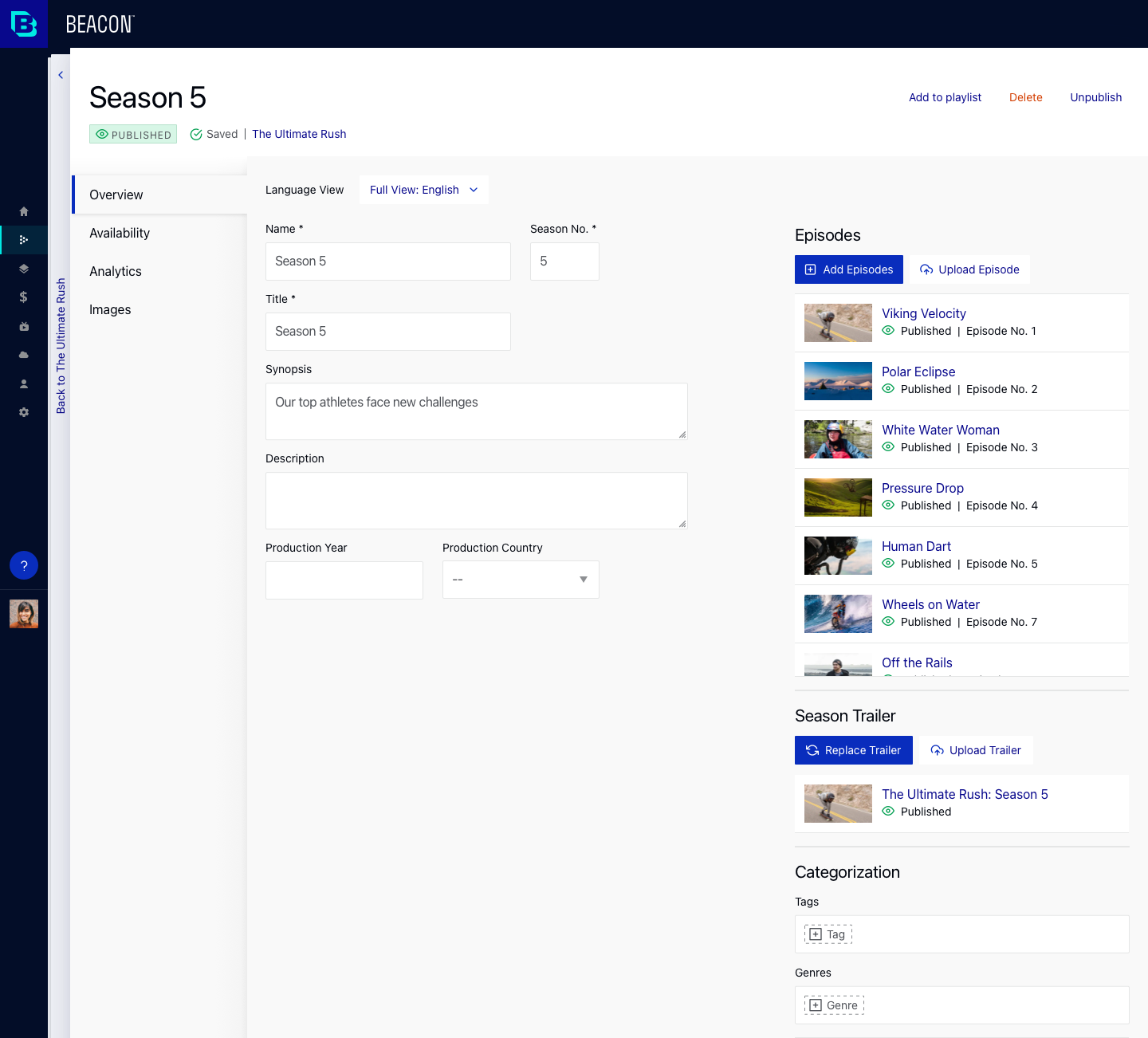
End-users (our customers' customers) browse the Beacon Apps using carousels and grids of content, including series, seasons, movies, and episodes. Playlists power those grids and carousels. The producer curates the app experience by adding and modifying playlists in the Beacon Studio media module.
Before the start of this project, our customers had the option to use either Beacon Classic or Brightcove Video Cloud to manage playlists; however, both options had trade-offs, and there was no unified way to manage playlists consistently.
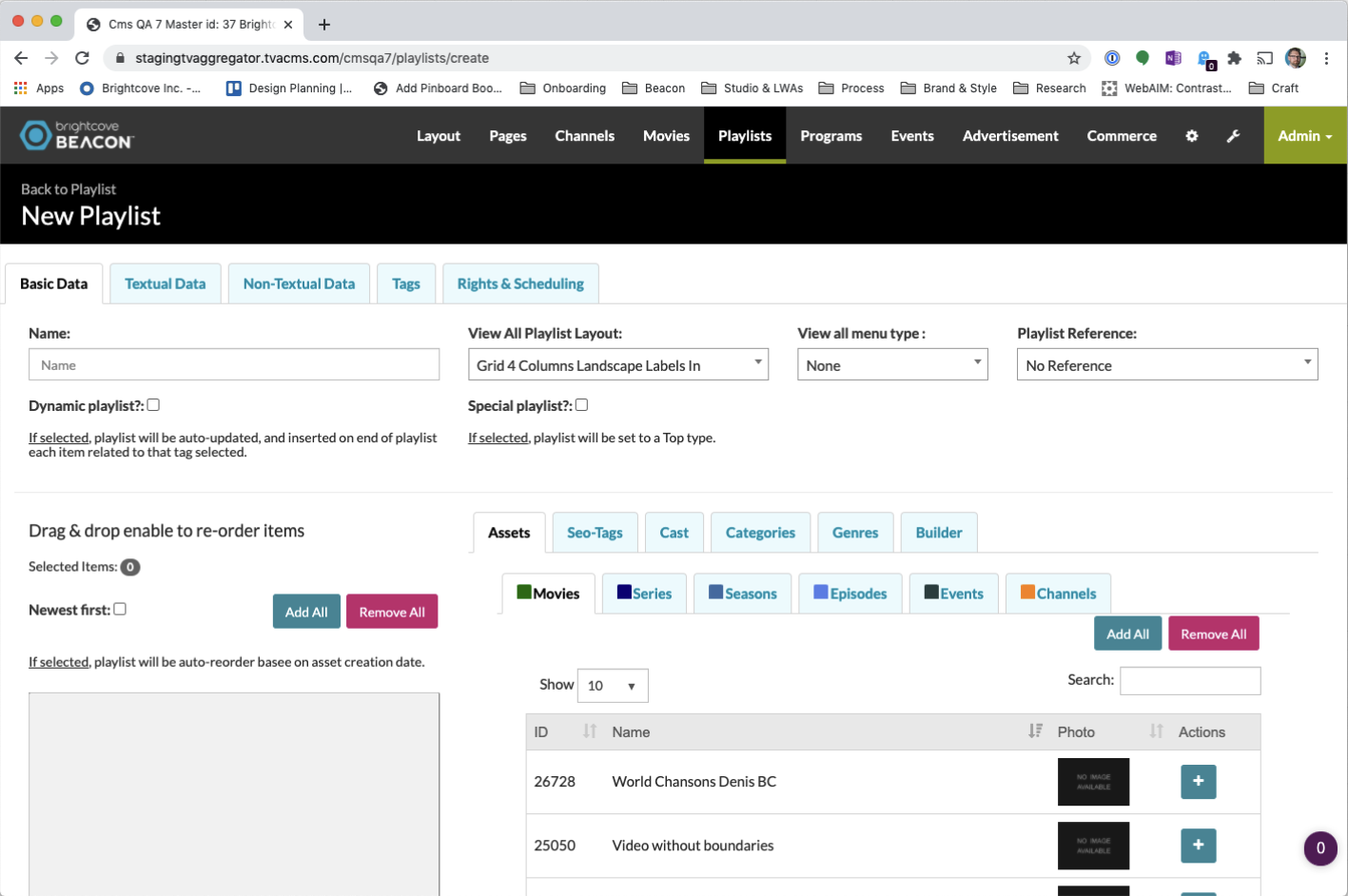
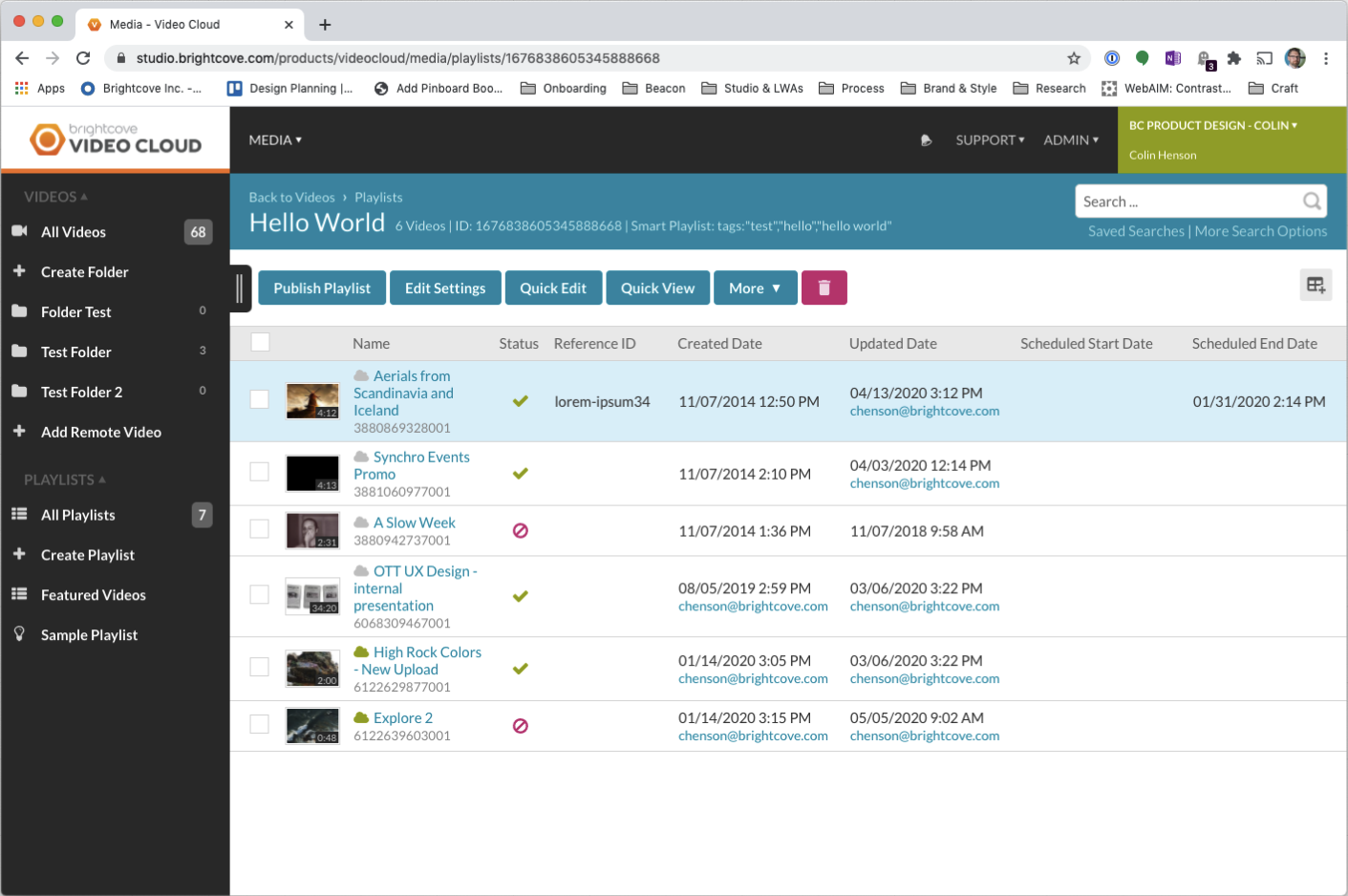
I conducted several interviews with customers and later usability tests to ensure that I understood the customer needs. In parallel, I conducted whiteboard sessions with my multidisciplinary team to align on functionality, requirements, and terminology.
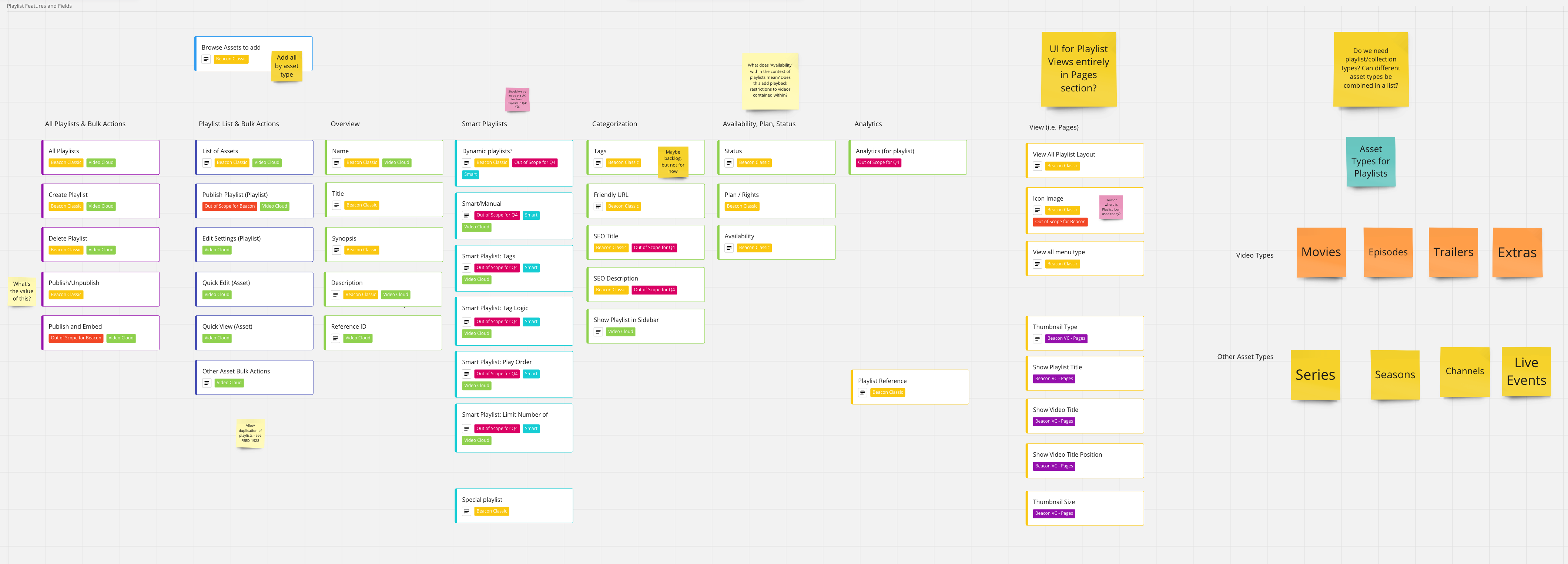
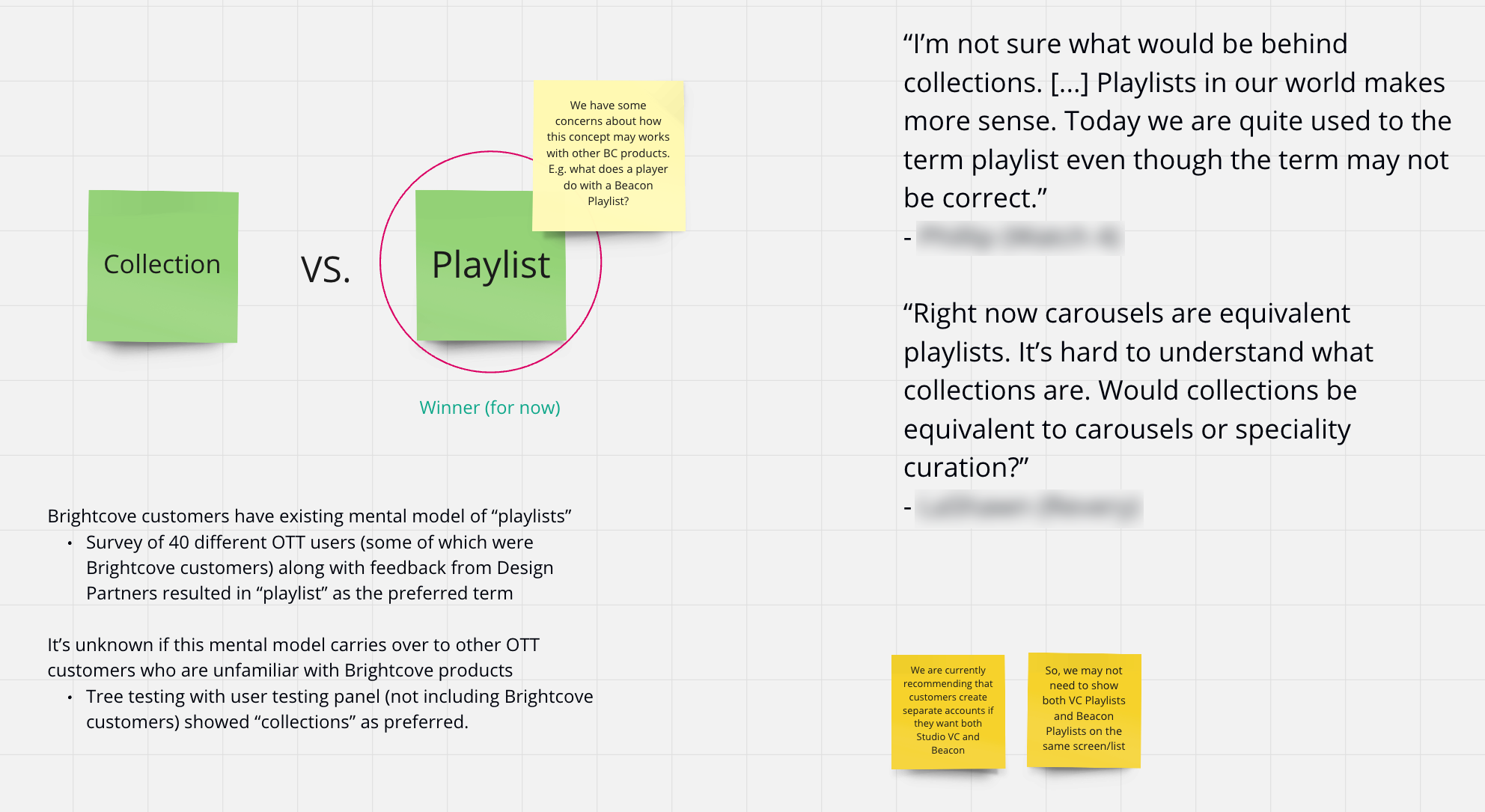
My ability to discover customer insights led directly to key UI improvements and updates to the roadmap. Because I carefully included open-ended discussions in interviews, I found essential features for customers, like the importance of sortable columns to support multiple tasks and the incorporation of analytics.
As I learned about the requirements and the new design system started to take shape, I rapidly iterated on the overall flow and UI with low-fidelity sketches.
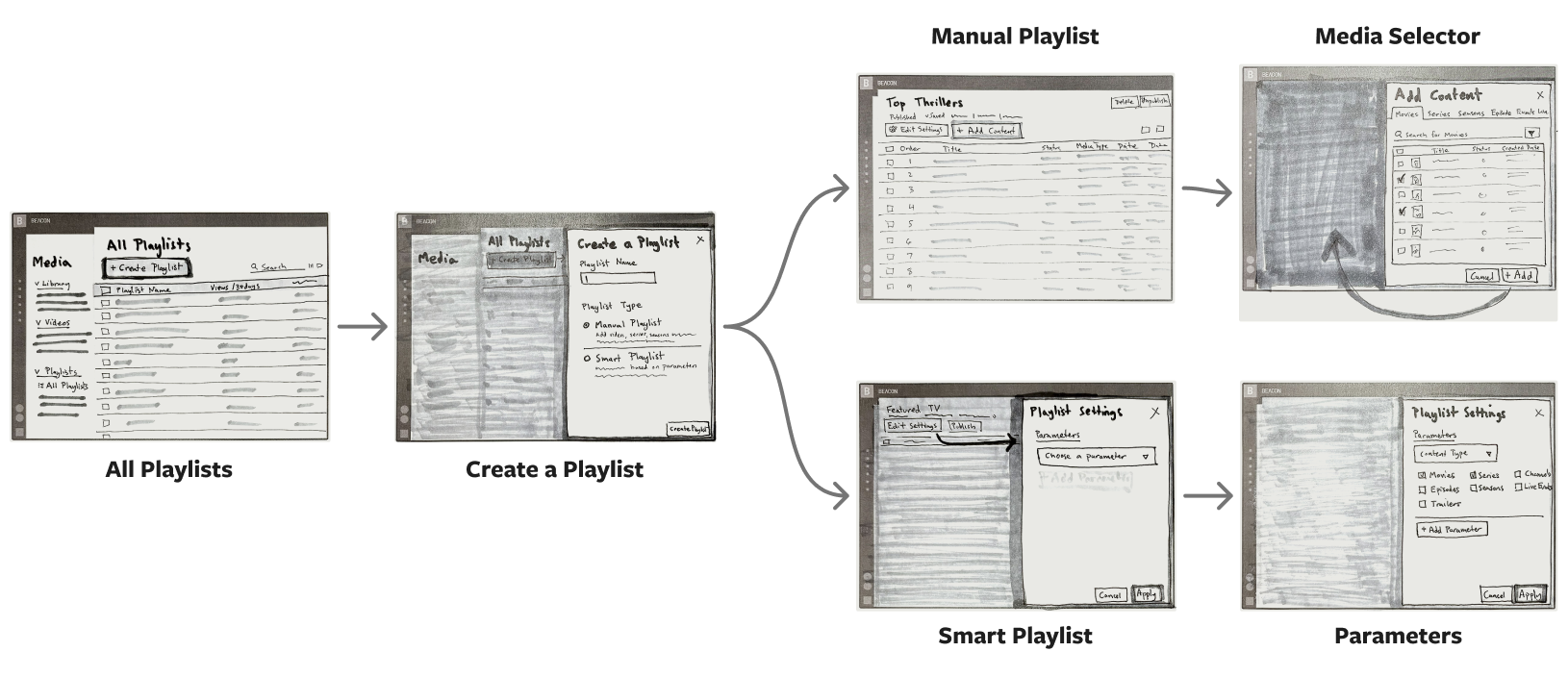
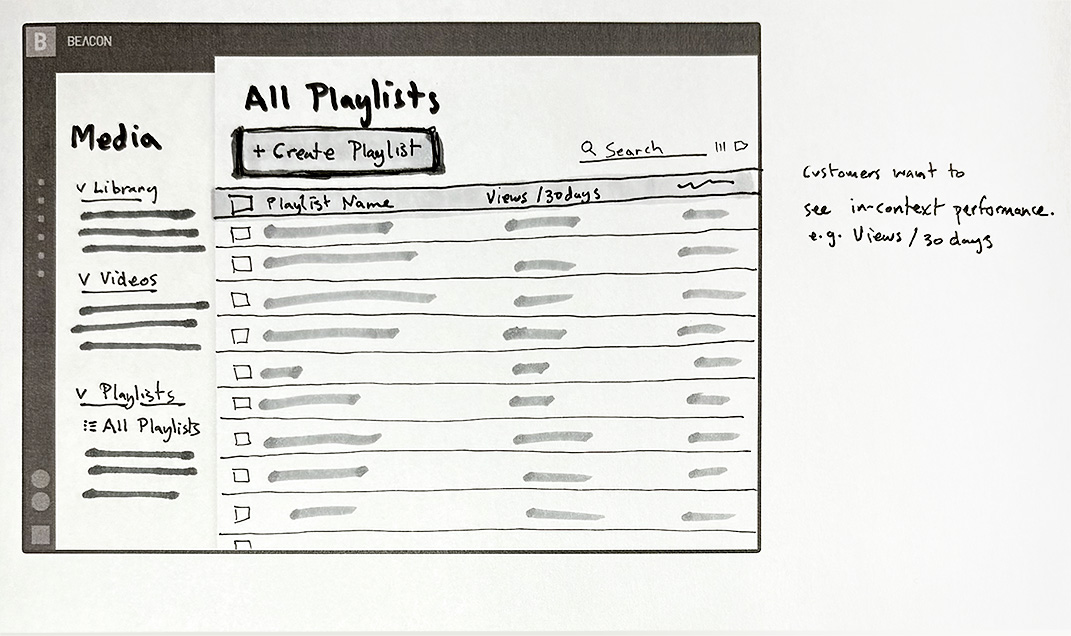
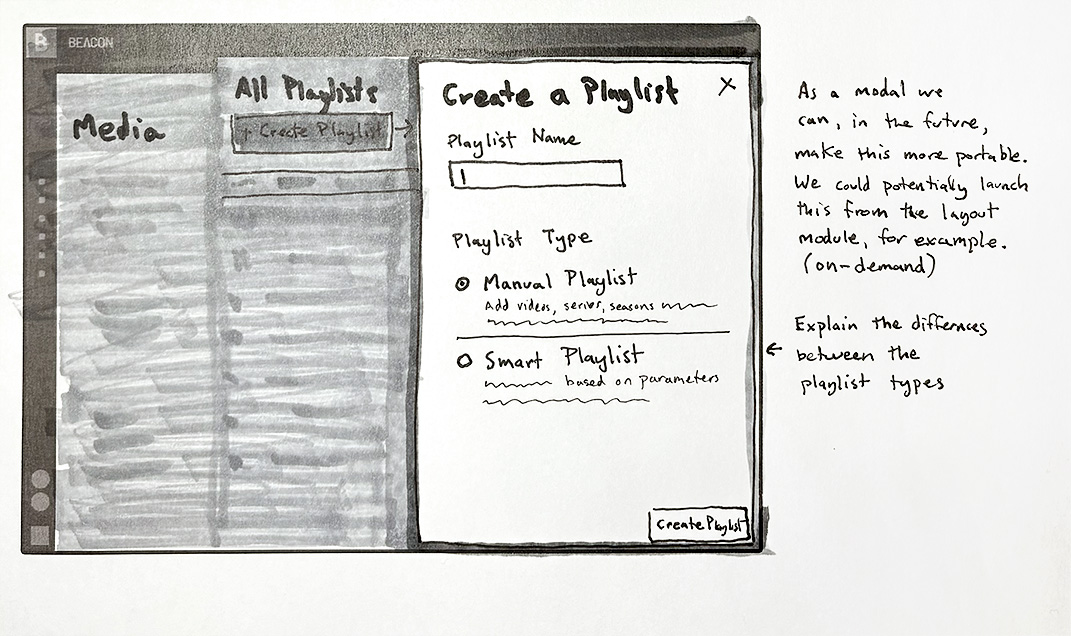
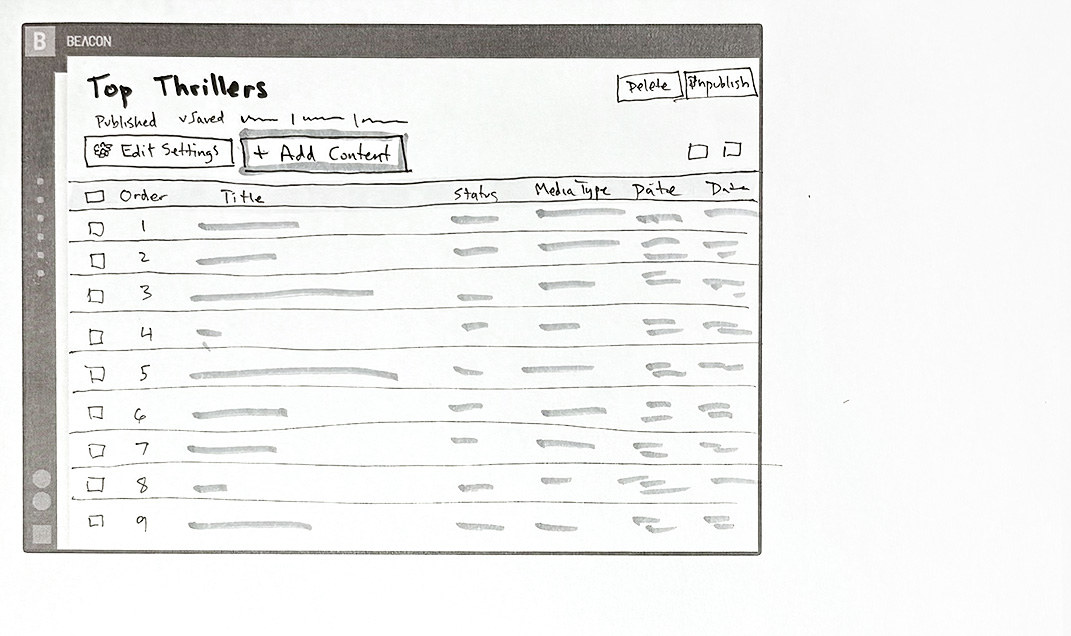
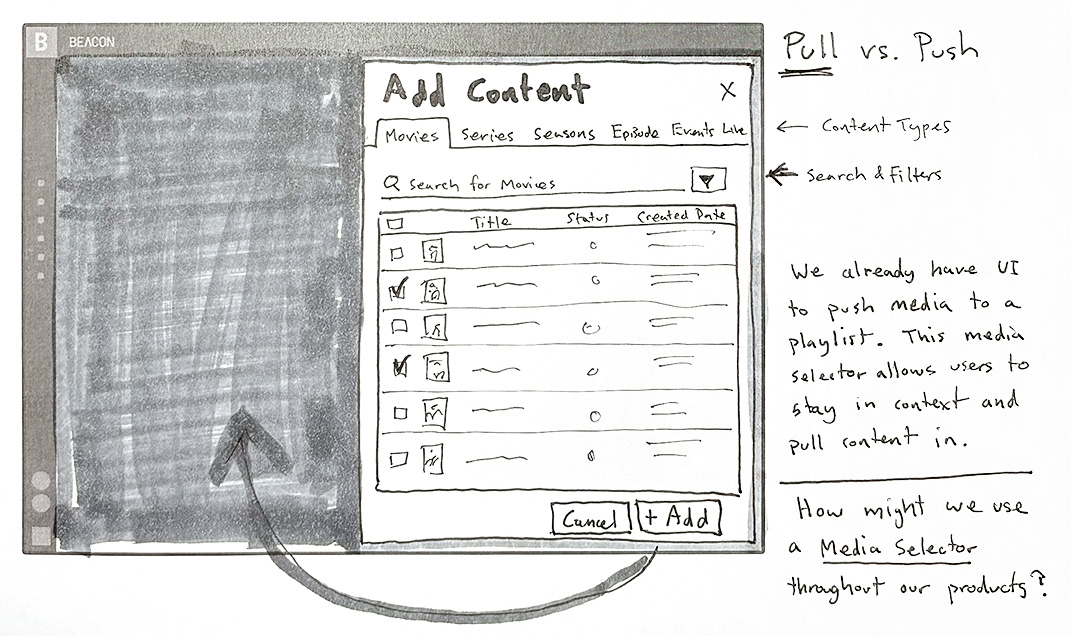
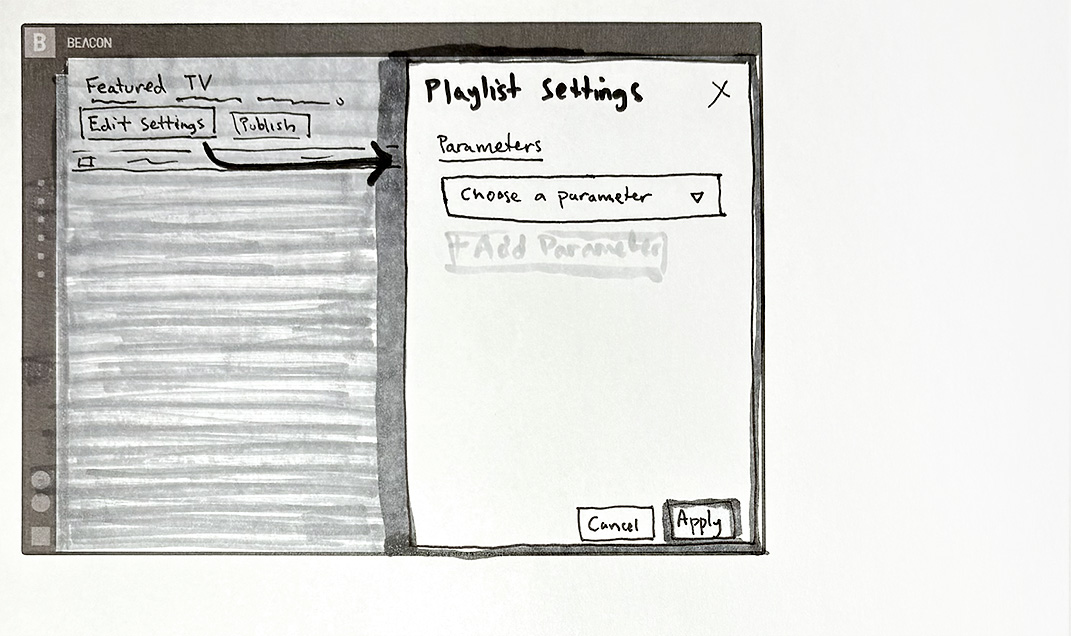
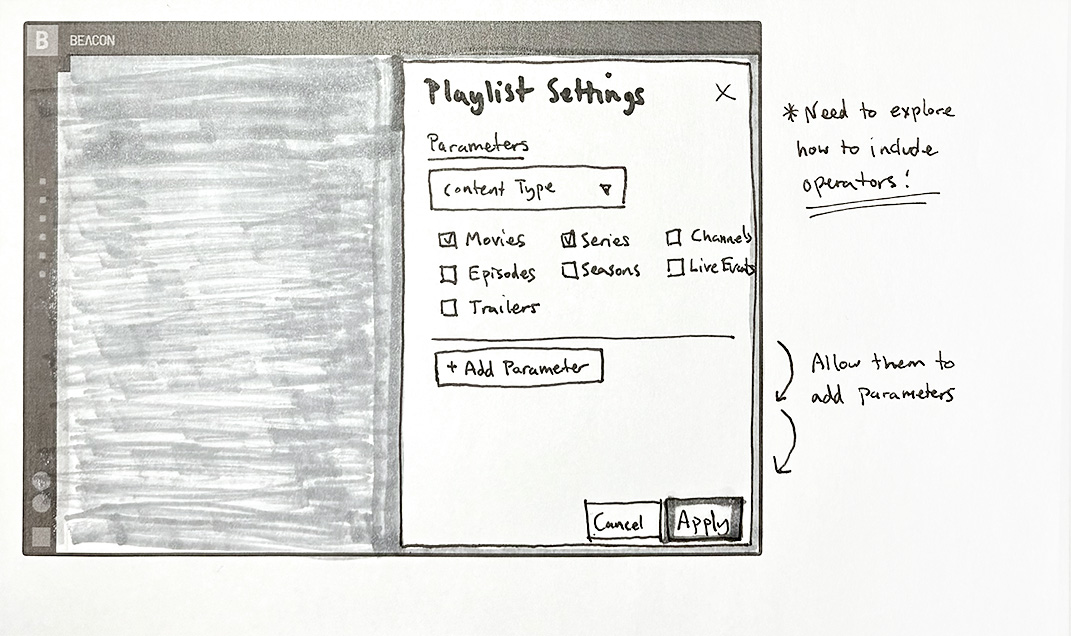
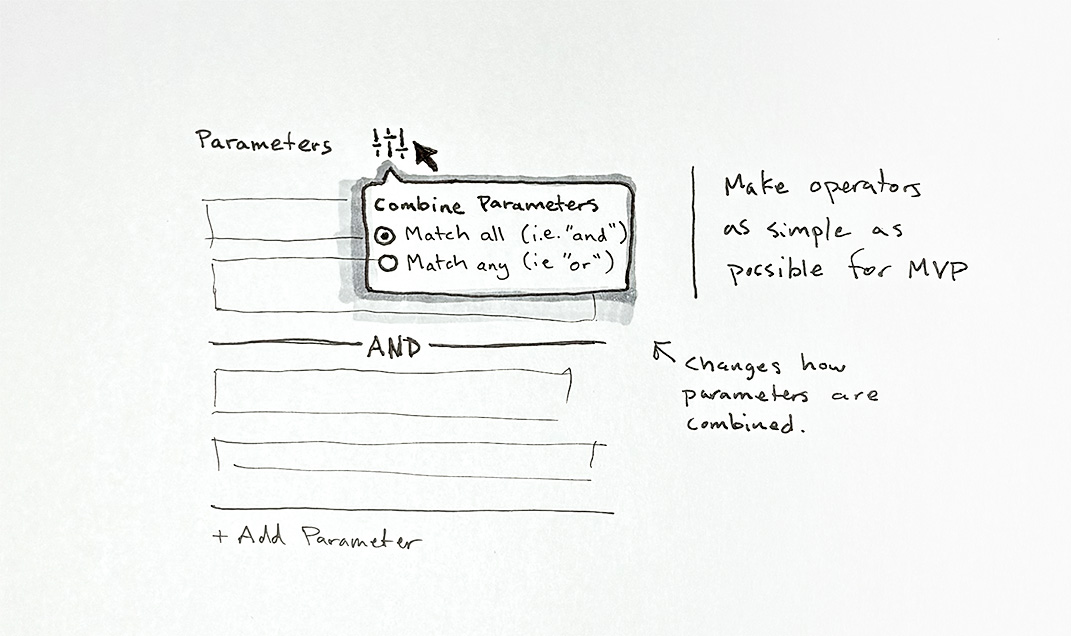
Besides the overall improvement of providing customers with a single place to curate the content of their apps, I discovered several opportunities to enhance the user experience. The two areas I’m most proud of are the Media Selector and the more robust Smart Playlist capabilities.
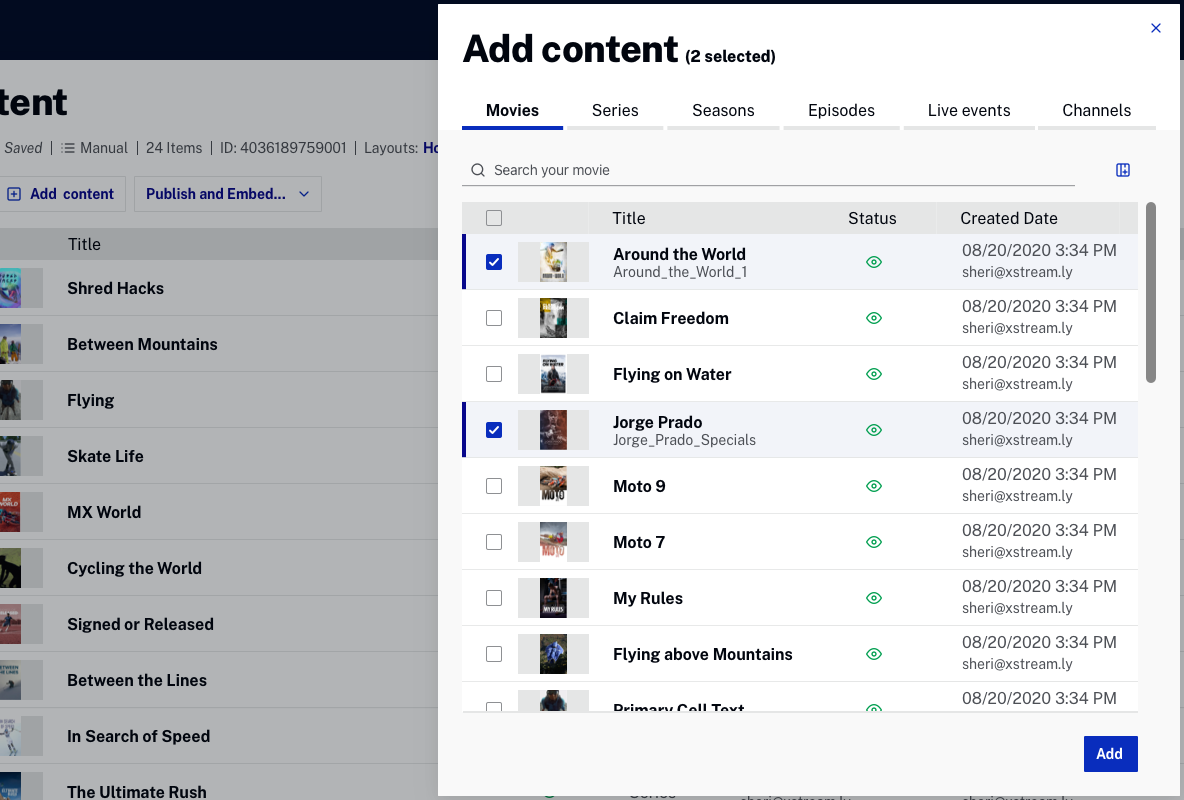
This UI may seem like a simple enhancement, but previously, users had to navigate to the content and push it into the playlist. This approach is efficient and still available, but not always intuitive. There was no way to pull content in from the playlist itself. More importantly, the Media Selector allowed greater flexibility and portability. Brightcove teams now use the Media Selector whenever they need to enable users to select content from the media module.
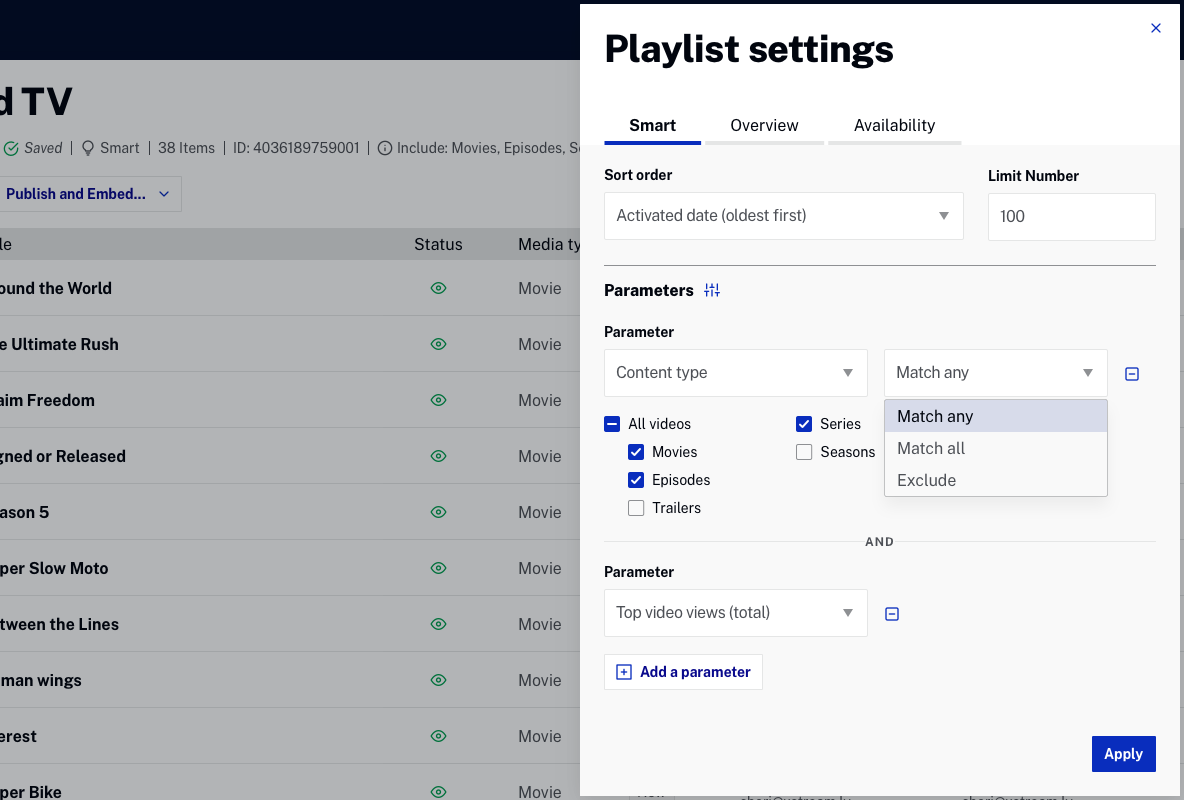
The additional parameters and UI empowered Beacon customers to automate the curation of their content, streamlining the management of playlists. This automation ensured that customers’ viewers would always see content in their apps that matched their content strategy, without the need for constant updates.